Robotiq Hand-E Gripper Instruction Manual
Icon Functionality Name Description
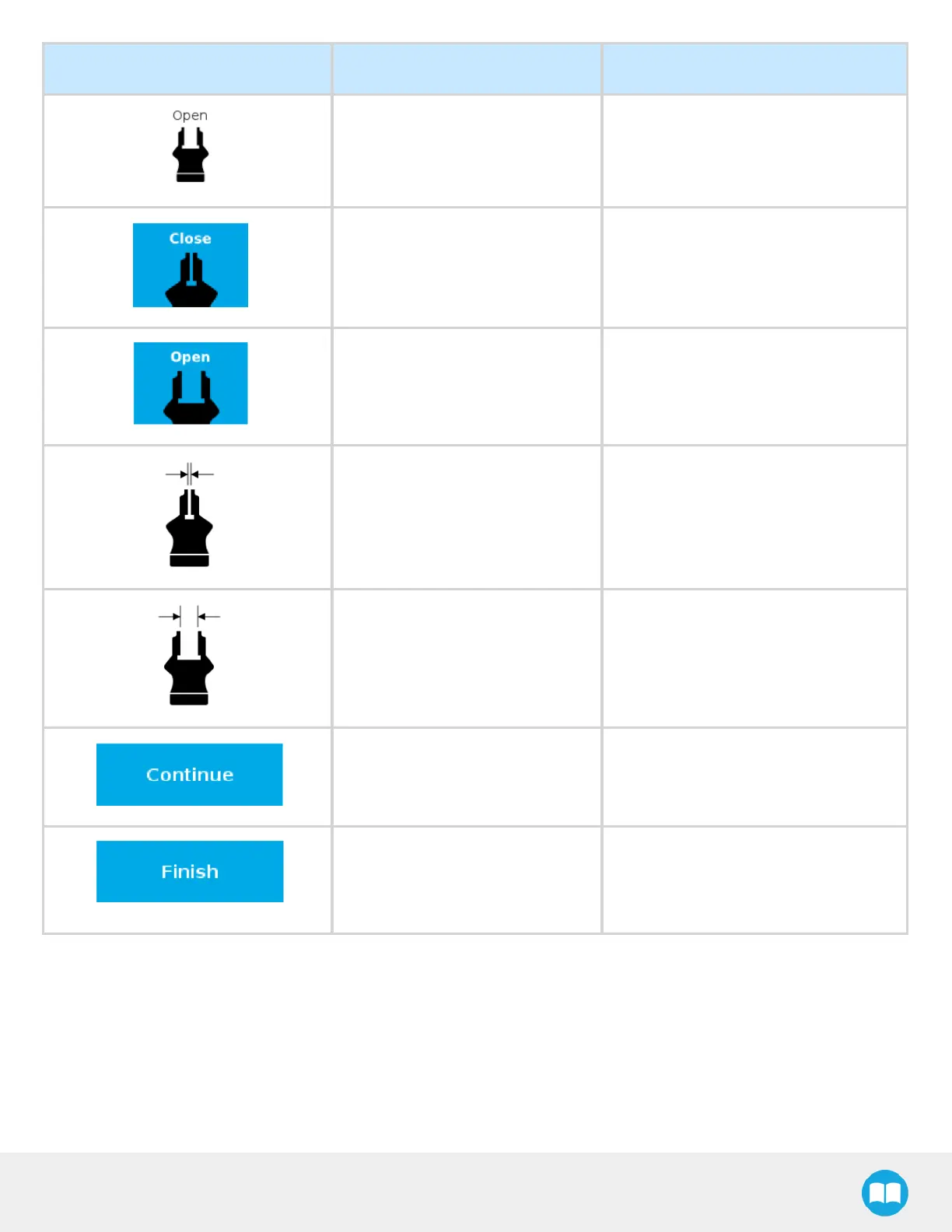
Fully open dimension table header
Visual aid above the fully open
dimensions in the Calibration menu
Close
Tap this button to close the Gripper in the
Calibration wizard.
Open
Tap this button to open the Gripper in the
Calibration wizard.
Fully closed
Visual aid for entering the fully closed
dimension in the Calibration wizard.
Fully open
Visual aid for entering the fully open
dimension in the Calibration wizard.
Continue
Tap this button at the end of the first step
of the Calibration wizard in order to go to
the next step.
Finish
Tap this button at the the end of the
Calibration wizard to complete the
calibration process for the corresponding
Gripper.
81



 To Next Page