28
DGM001519.01 UM Sirius CE/ROTW
System status
Possible System status are:
x STANDBY (see section 5.4.2): the laser cannot fire
x READY (see section 5.4.2): if the footswitch is pressed the laser will fire
x LASING (see section 5.4.4): the laser is firing
x ERROR (see section 5.5): the laser cannot fire
x OFF: during the shut-down procedure
Press the Ready or Standby button to switch between the device status.
Pulse mode and duration settings
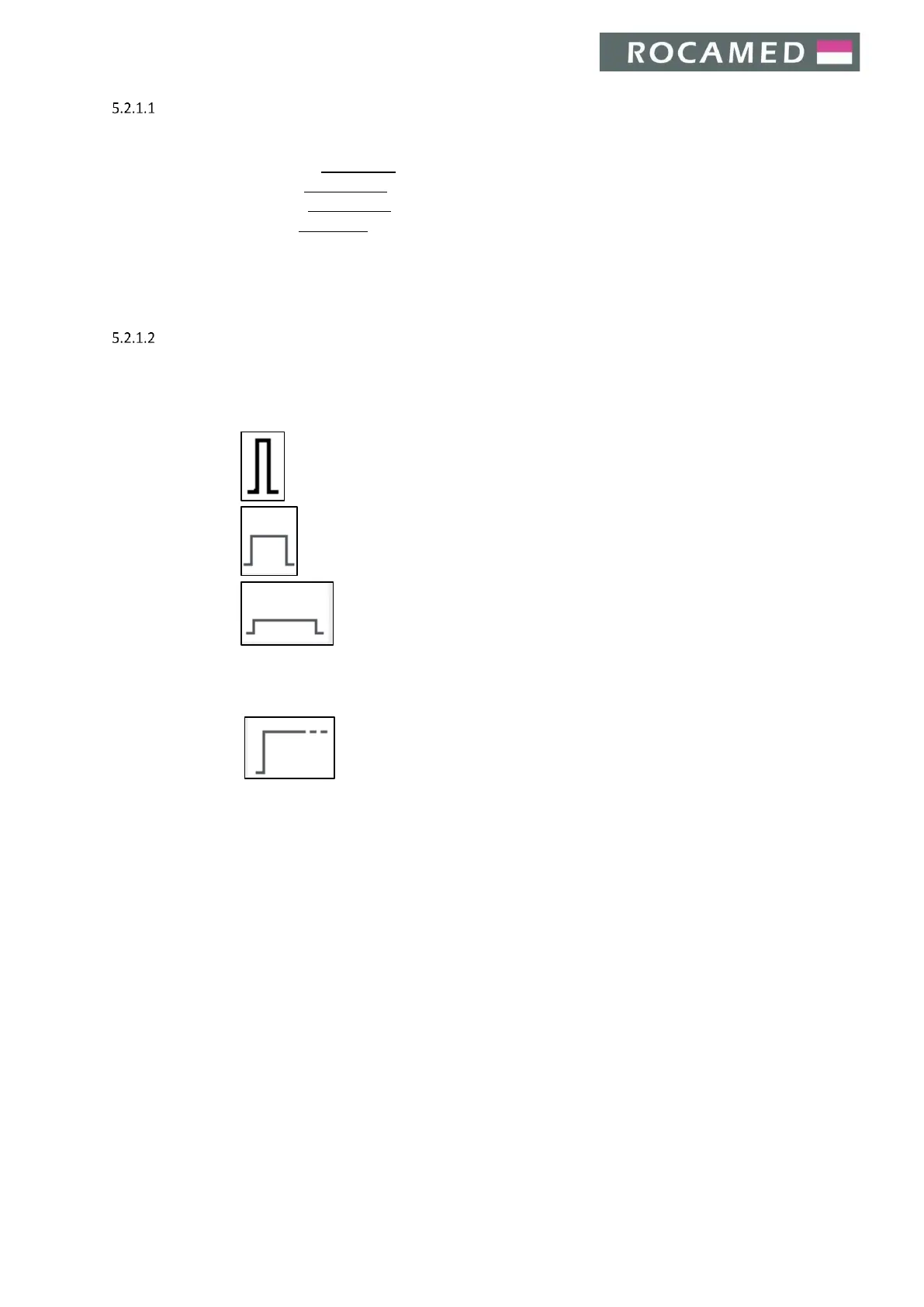
Press the desired pulse mode section to choose between Pulsed mode or Continuous mode (CW):
Pulsed mode:


 To Next Page