29
DGM001519.01 UM Sirius CE/ROTW
Energy and Frequency settings
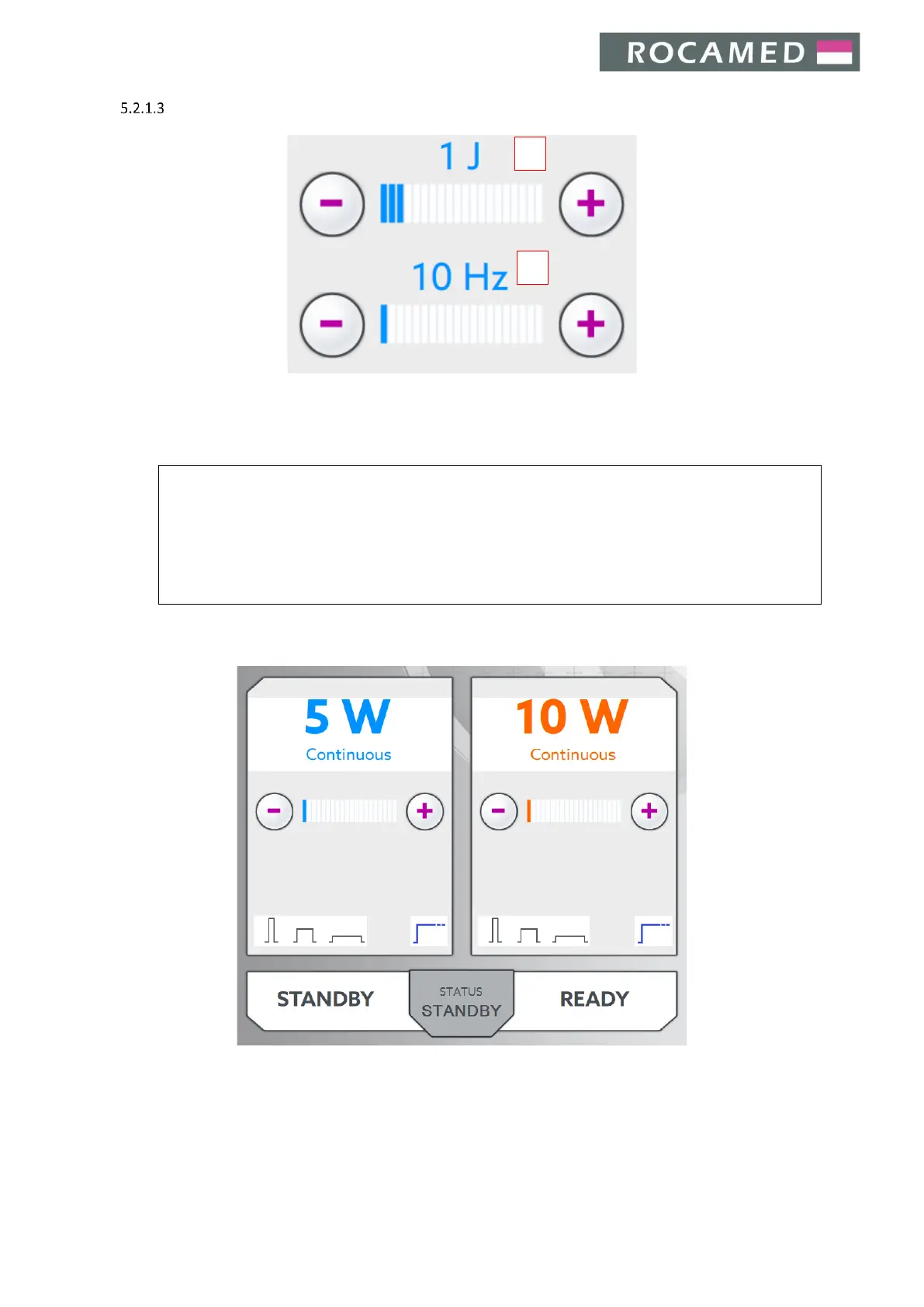
Press the + /- buttons to increase or decrease the pulse energy (1) and the frequency (2).
Energy (J) and frequency (Hz) adjustment does not require acceptance by pressing any confirmation button. In
case of wrong adjustment, simply tune again the parameters according to the desired settings.
When the user tries to increase the pulse energy over the maximum value available (with respect to
the set frequency) the laser device will not allow additional energy increment, keeping both parameters
unaffected.
If the energy setting is too high for the selected frequency, the laser will automatically decrease the
pulse energy value (output frequency is permitted to increase). The emitted sound, when firing,
changes according to the selected frequency.
Note: in case of CW mode selected, the user can modify directly the output power.


 To Next Page