EasyManua.ls Logo

Rockwell Commander 112 - Fuel Selector Valve

Rockwell Commander 112
293 pages
Print Icon
To Next Page IconTo Next Page
To Previous Page IconTo Previous Page
Loading...
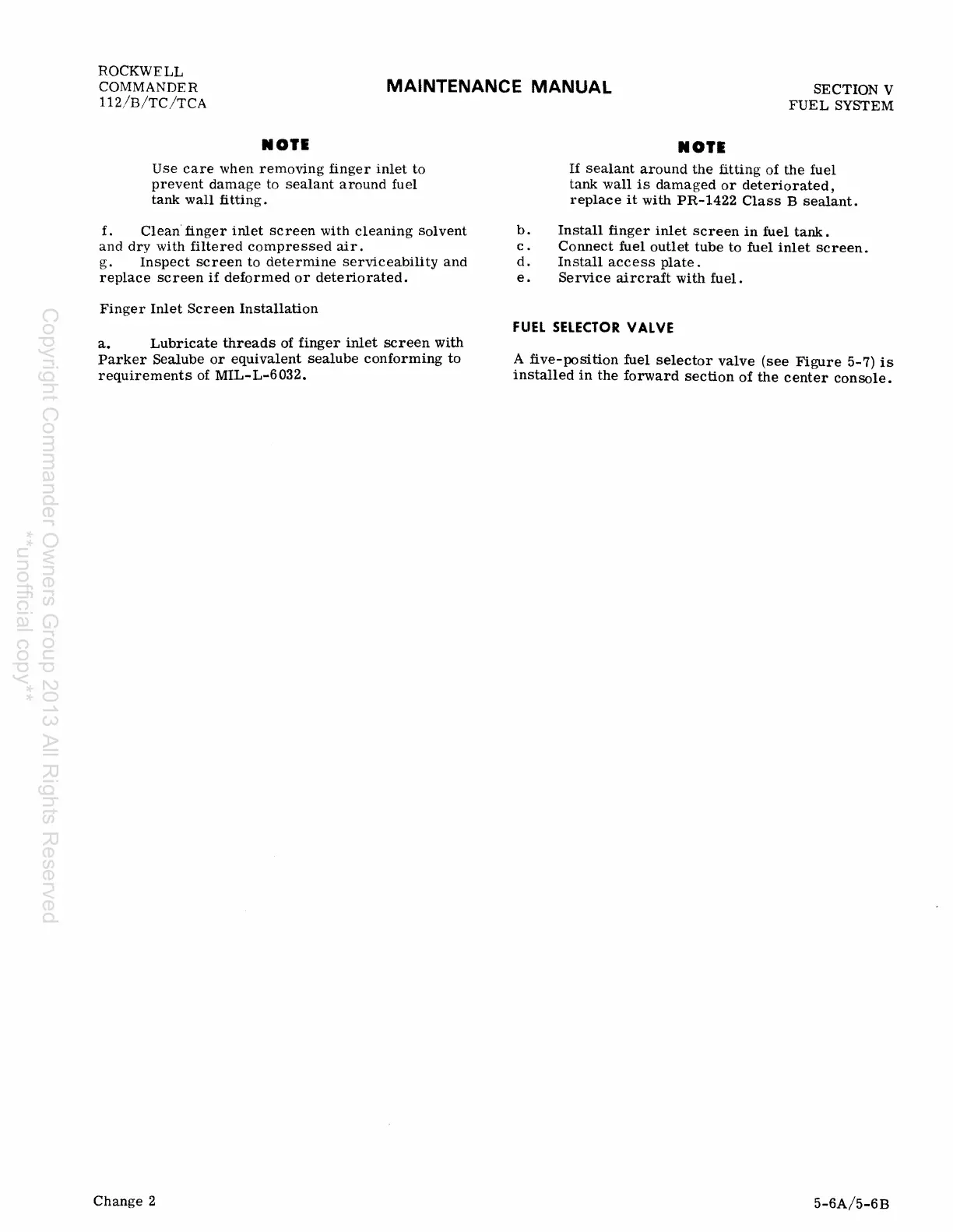
ROCKWELL
COMMANDER
112/B/TC/TCA
MAINTENANCE
MANUAL
SECTION V
FUEL
SYSTEM
1101.
Use
care
when
removing
finger
inlet
to
prevent
damage
to
sealant
around
fuel
tank
wall
fitting.
f.
Clean·
finger
inlet
screen
with
cleaning
solvent
and
dry
with
filtered
compressed
air.
g.
Inspect
screen
to
determine
serviceability
and
replace
screen
if
deformed
or
deteriorated.
Finger
Inlet
Screen
Installation
a.
Lubricate
threads
of
finger
inlet
screen
with
Parker
Sealube
or
equivalent
sealube
conforming
to
requirements
of
MIL-L-6032.
Change
2
b.
c.
d.
e.
1101.
If
sealant
around
the
fitting
of
the
fuel
tank
wall
is
damaged
or
deteriorated,
replace
it
with
PR-1422
Class
B
sealant.
Install
finger
inlet
screen
in
fuel
tank.
Connect
fuel
outlet
tube
to
fuel
inlet
screen.
Install
access
plate.
Service
aircraft
with
fuel.
FUEL
SELECTOR
VALVE
A
five-position
fuel
selector
valve
(see
Figure
5-7)
is
installed
in
the
forward
section
of
the
center
console.
5-6A/5-6B
Copyright Commander Owners Group 2013 All Rights Reserved
**unofficial copy**

Table of Contents