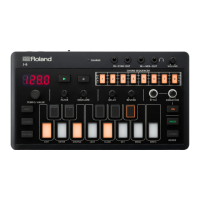
Configuring the Settings of This Unit
45
Configuring the WG (Waveform Generator)
Item Value Explanation
[1]
Gain
-18
-12
-6
0
6
12
Sets the gain (amplitude) of the waveform.
[2]
bEnd
OFF, On
Sets whether MIDI pitch bend messages are received (ON) or not (OFF).
This is set for each layer that’s selected as ACTIVE (the [TONE A]–[TONE D] buttons
[3]
Nod.L
L2.50
L1.50
Sets the depth of vibrato that is controlled by the modulation lever.
When this is set for LFO1, the LFO1 waveform is used for vibrato; and when this is set
for LFO2, the LFO2 waveform is used for vibrato.
Set this to “0” to turn vibrato off.
[4]
AFt.b
OFF, On
Sets whether MIDI aftertouch bend messages are received (ON) or not (OFF).
The pitch changes when a MIDI aftertouch message is received.
This is set for each layer that’s selected as ACTIVE (the [TONE A]–[TONE D] buttons
[5]
AFt.S
L2.50
L1.50
This sets the depth of vibrato that is controlled by aftertouch.
When this is set for LFO1, the LFO1 waveform is used for vibrato; and when this is set
for LFO2, the LFO2 waveform is used for vibrato.
Set this to “0” to turn vibrato off.


 To Next Page