Reference Manual
00809-0100-4841, Rev. AA
May 2007
D-3
Rosemount 3490 Series
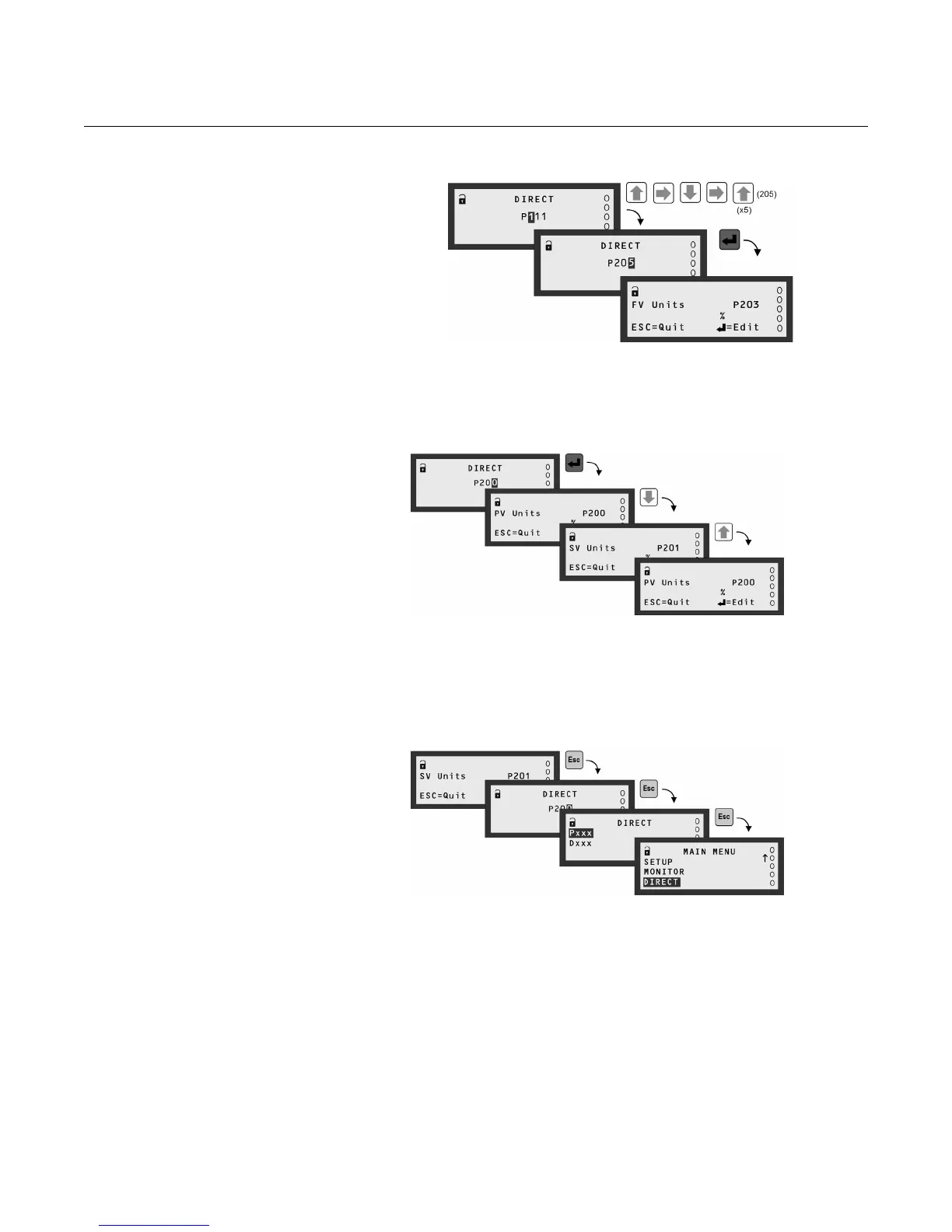
Figure D-5.
DIRECT menu - Pxxx Editing
(No Such Parameter)
In addition, whilst displaying a parameter screen, you may use the
UP-ARROW or DOWN-ARROW buttons to scroll through adjacent parameter
screens. (Watch the parameter ID number change).
Figure D-6.
DIRECT menu - Pxxx Scrolling
You can still use the ESC button to return to the Pxxx or Dxxx screen at any
time. Once finished with the direct access facility, use the ESC button until
you are returned to the MAIN MENU.
Figure D-7. DIRECT menu -
Return to the menu system



 To Next Page