Reference Manual
00809-0100-4841, Rev. AA
May 2007
4-29
Rosemount 3490 Series
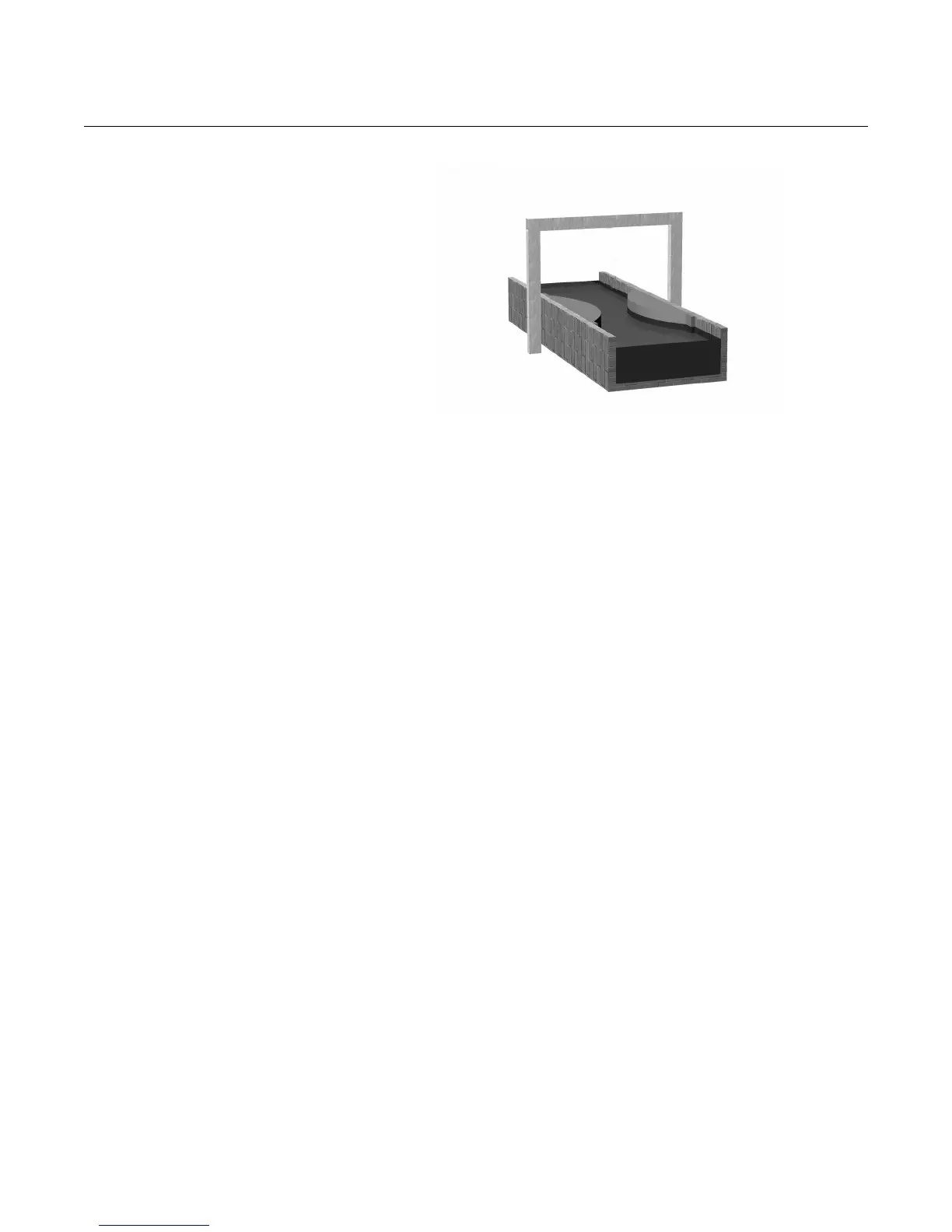
Figure 4-22. Non-linear profiles
* The non-linear profile (NLP) is plotted automatically when editing P113, or when using “Duty” wizard.
Menu: SETUP / [CONTROL UNIT /] DUTY(Mode) / Duty Wizard
Pre-programmed flat, parabolic, and Parshall flumes
The 3490 Series Control Unit has a library of flat, parabolic, and Parshall
flumes that will automatically populate parameters with pre-defined values.
Alternatively, you can manually enter parameter values.
When selecting one of the flumes through P113, the Control Unit uses P115 in
a different way to when a plotted NLP is required. For flumes, P115 is used to
store pre-defined values for the flow calculation where flow Q is given by:
Q = k x (h x mul)
Pwr
where h is the height of liquid in the channel, and k and Pwr are factors.
This modified version of the more standard "Q=k x h
Pwr
" flow formula allows
the use of a multiplier (mul) factor. This extra factor can account for
irregularities or errors in the flow structure, but should only be manually
entered where such errors can be quantified.
Pre-defined values for factors k, mul and Pwr of each standard flow structure
in the library are shown in Table 4-8 and Table 4-9. Depending on the
derivation of k and the level units, the h value is scaled by a different mul
factor.
Experienced users may wish to manually enter the values of k, mul or Pwr for
specific applications. To edit these, set P113 to be "Flume***" and then edit
parameter P115. Use the DOWN-ARROW button to display the mul value.
The display units (P200) are also automatically changed to flow units of either
g/m (imperial for Parshall) or m
3
/hr (metric for other flumes). P116 is also
automatically populated to get the correctly scaled PV for these display units.
P113 = “Flume (3/2)” (using 3/2 power law) (To BS3680)
P114 = (1.0 / Maximum height of liquid)
P115 = Plotted profile of channel *
P116 = Maximum flow at maximum height (P114)



 To Next Page