21/74
fingerprint with a database of compatible configurations and give to the user the name and
the exact azimuth of the pointed satellite.
PLS CONFIGURATION allows the user to define and configure up to 10 different PLS
(Physical Layer Scrambling) values to be used to decrypt the physical layer of a Satellite
Multi-stream signal in order to demodulate the contained ISI it and decode the embedded
services.
It is possible to configure PLS Mode to Zero (if no PLS is needed); to PLSx (with x ranging
from 1 to 10) in case a specific PLS is necessary; or to ROUND to let the meter determine
automatically which of the configured PLS is the right one to decrypt the S2 signal and
demodulate it.
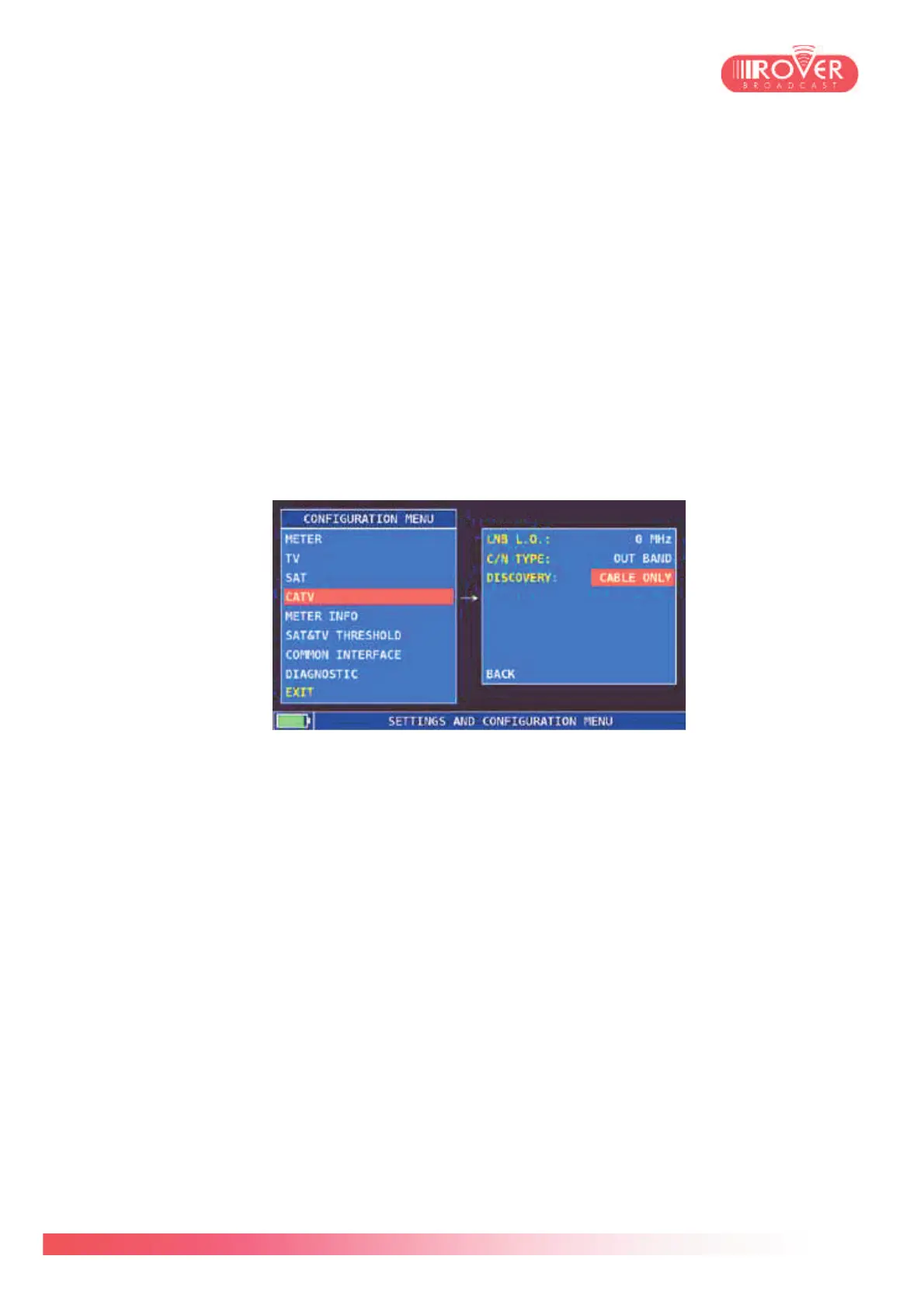
5.4 CATV configuration menu
Selecting TV from the left menu, will open the TV parameters configuration screen:
LNB L.O. is set to 0 by default. It should be set to the desired value if it is necessary to
down-convert the signal frequency into the TV band (VHF or UHF) before starting the
measurements.
C/N TYPE by default is set to OUT BAND and can be also set to IN BAND or AUTO. This
parameter is used during Analog TV signal measurements to evaluate the C/N of the Video
carrier inside the signal band or outside the signal. In case it is set to AUTO, the C/N
measurement displayed by the meter correspond to the best value detected (between IN-
and OUT- ).
DISCOVERY could be set to both TERRESTRIAL ONLY or to TERR&CABLE. If set to
Cable Only, it means that the Autodiscovery function will look only for cable channels (DVB-
C); when set to Terr&Cable, the Autodiscovery function will look also for DVB-T/T2
channels.



 To Next Page