8
3.2 Clear the Reports Data
Operator can clear the reports data with the following shortcut mode, no need taking the
Z reports.
Procedure:
1. Switch the control lock to Z mode
2. (A) [TOTAL] (SUrE) …
a. press [subttl]to confirm
b. Press other key to discard
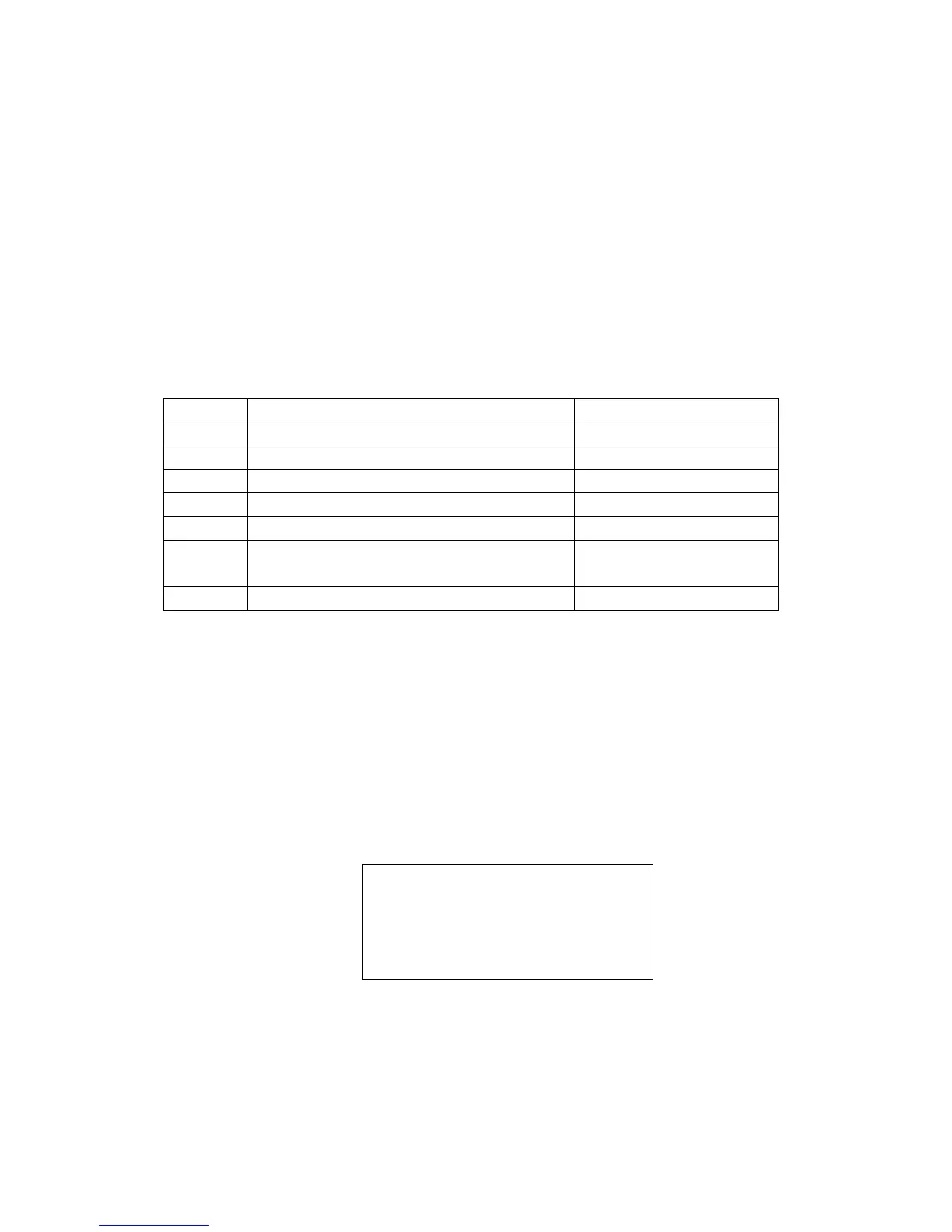
A: Represents the different operations order, as shown below table
A value Comments Note
26064550
Clear the whole reports data
The NRGT is cleared too.
26064551
Clear the Daily and PTD sales report
26064552
Clear the Daily PLU report
26064553
Clear the Daily and PTD clerk report
26064554
Clear the hourly report
26064555
Clear the table report It is active in restaurant
mode only.
26064557
Clear the NRGT(Non-Resettable Grand Total)
①
Note: ①
It will print one receipt, which only including the NRGT has been cleared ※
without grand total amount.
※ The second way:
Operation:
Z mode (2003) [TOTAL] (SUrE)…
Press [subttl] key to confirm, it will print one receipt that including the NRGT
amount. Press other function keys will be discarded.
* * * * * * * ** * * ** * * ** * * ** * * ** *
NRGT 00000033822.75
The NRGT has been cleared!
* * * * * * * ** * * ** * * ** * * ** * * ** *
01-01-2011 Monday Time13:02



 To Next Page