59
12 ELECTRONIC JOURNAL
The Electronic Journal means Sales Journal. Content has 60000 lines. There will give an
alarm to user to do clear journal operation if up to 57000 lines. User can select clear
journal operation by manual or automatic. Details see the bit D of the terminal status 1.
And you can send all electronic journal information to PC by register link software.
Note: If user does all clear procedure, the electronic journal contents cannot be cleared, only using
the specified method can clear them.
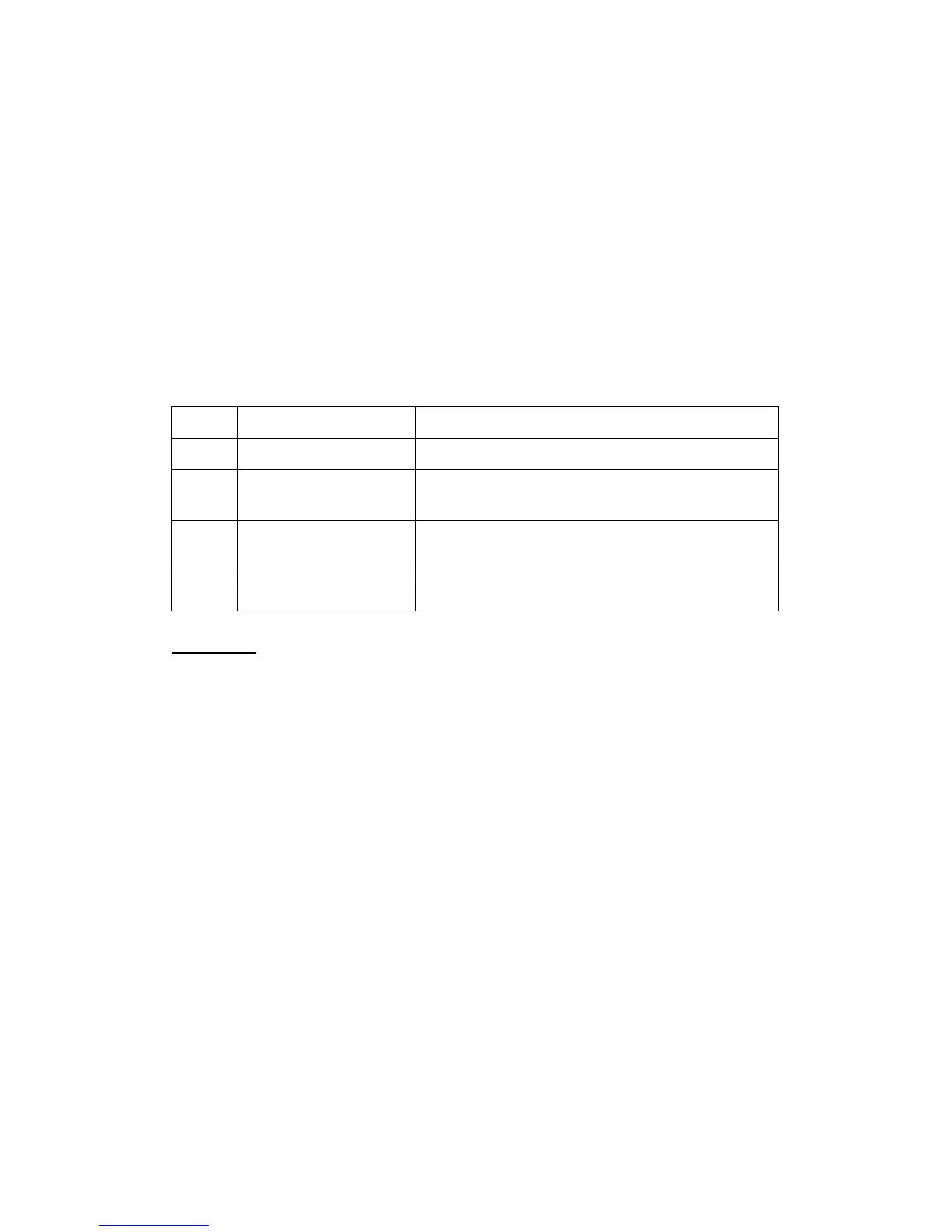
Print Sales Journal
Mode Method Sequence
X
Print the sales journal (41) [TOTAL]
X
Read By Date
(42) [TOTAL](StartDate)[subttl](End Date) [subttl]
[subttl]
X
Read By serial No.
(43) [TOTAL]( Start Serial No.) [subttl](End Serial No.)
[subttl]
Z
Clear the sales journal (40) [TOTAL](Sure) [subttl]/[TOTAL]
Comments:
Start Date:
6 digits must input and the date format is determined by the system flag.
(DDMMYY, MMDDYY or YYMMDD)
End Date:
The end date and the format is same as start date, if omitted, it will be up to the
current date.
Start Serial No.:
1-999999
End Serial No.:
If user omits inputting, it will be till up the current record.



 To Next Page