32
8 RETAIL MODE
8.1 Clerk Assign
8.1.1 Sign On/Off a Clerk
After initial clear procedure, Clerk Function is not activated. User can set the bit C of
Terminal Status 3 to "1", the clerk function will be active.
Sign Off Operation: “Reg” mode (0) [TOTAL]
Sign on Operation: “Reg” mode (Clerk Pass Code) [subttl]
Once a clerk is signed on, the same clerk will remain the clerk signed on until the
clerk signed off.
8.1.2 Disable Clerk Function
If set the bit C of Terminal Status 3 to "0" (Clerk Function is not activated.), that
means all operations which concerned the clerk would be invalid. Refer to Terminal
Status 3 in 7.4. System Option Flag preset section
8.2 Time Display
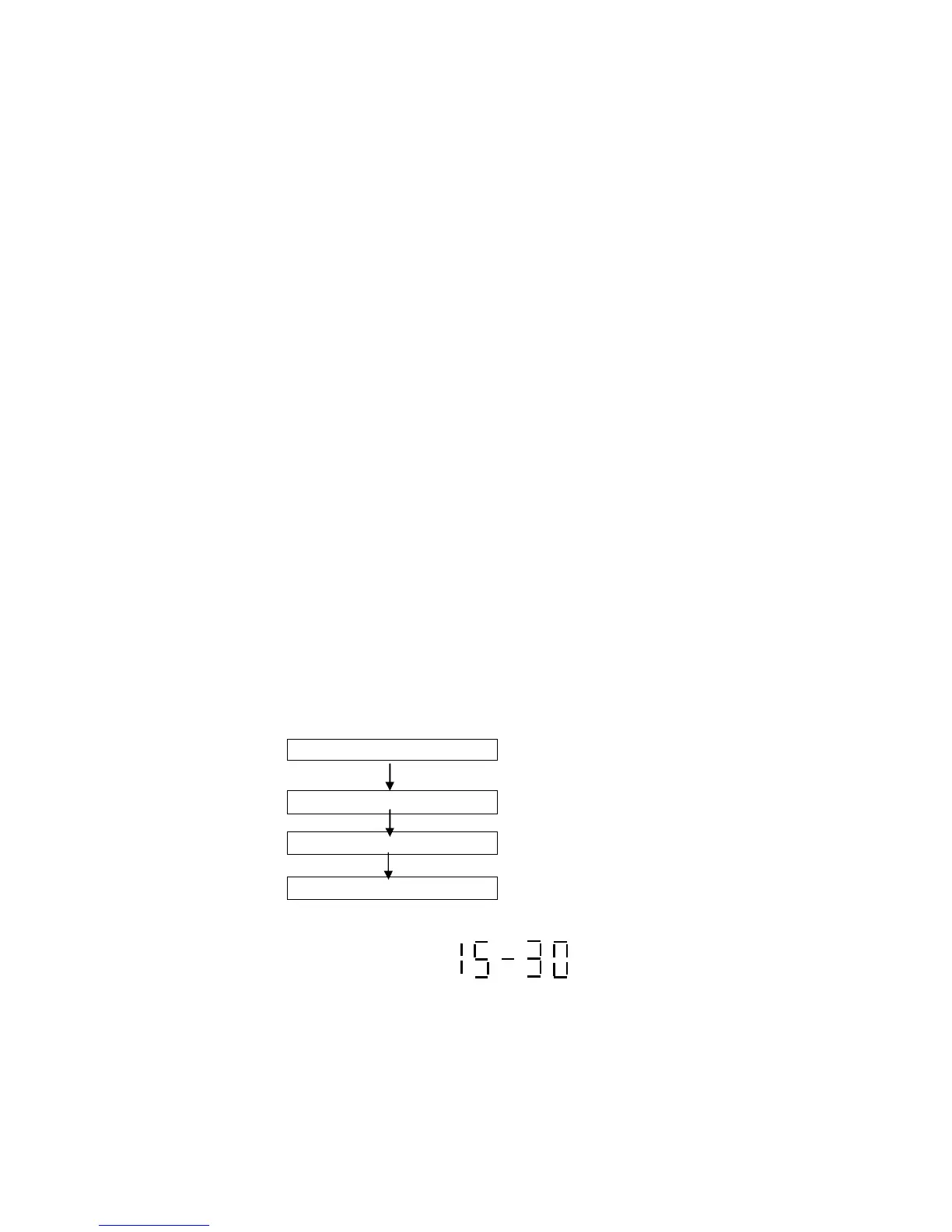
When outside a transaction, user can press the [qty/time] key to display the current
Time, press the [qty/time] again to display the current Date.
Press[qty/time]key Display time



 To Next Page