EasyManua.ls Logo

Royal 220DX - Page 19

Royal 220DX
77 pages
Print Icon
To Next Page IconTo Next Page
To Previous Page IconTo Previous Page
Loading...
14
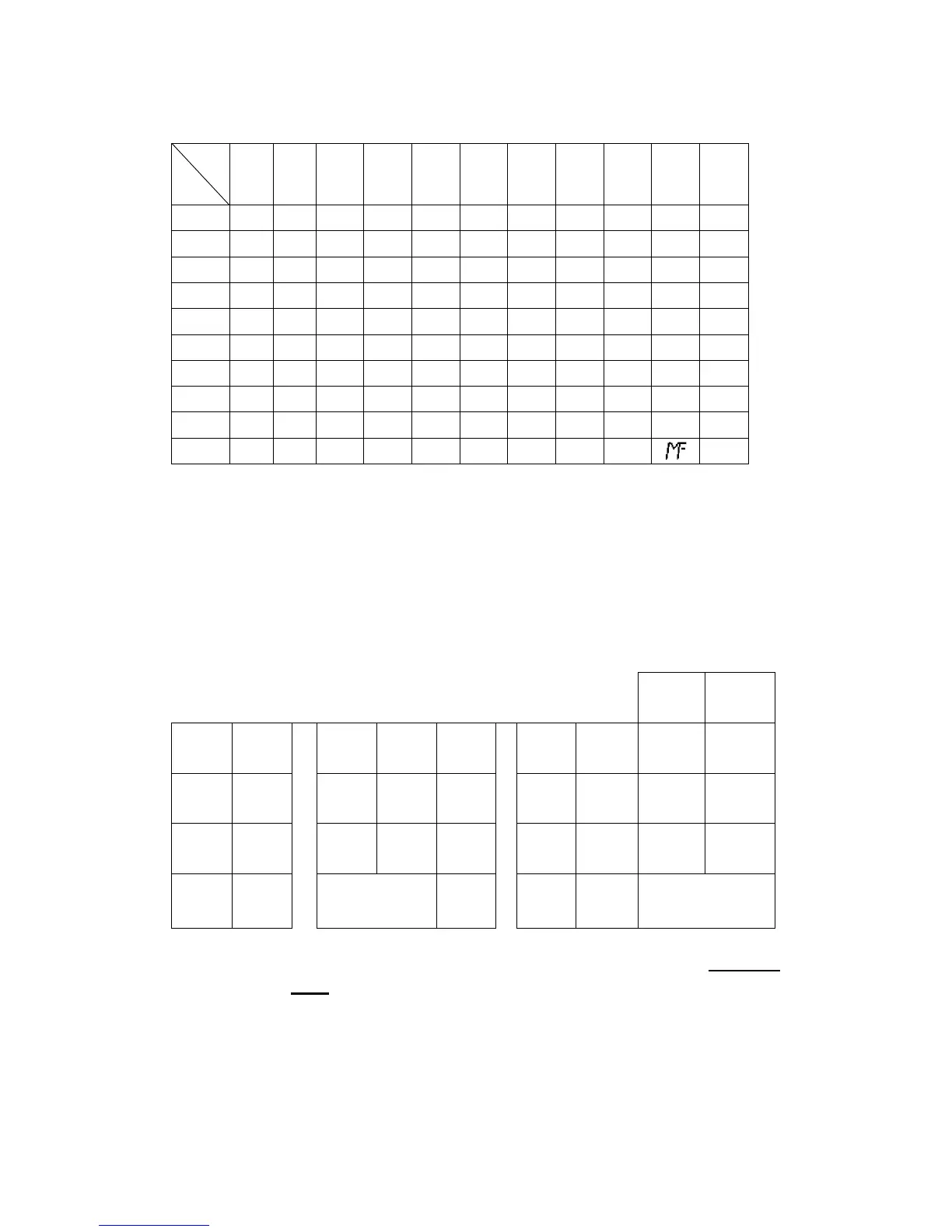
Characters Code Chart
0 1 2 3 4 5 6 7 8 9 00
0 0 1 2 3 4 5 6 7 8 9 SP
1 - + # . SP A B C D E F
2 G H I J K L M N O P Q
3 R S T U V W X Y Z a b
4 c d e f g h i j k l m
5 n o p q r s t u v w X
6 y z Ä Ö Ü ξ Ň ª
£ $
¥
7 ( ) / % ! ” & * · Ⅱ :
8 ’
,
< = > ? → Ⅲ Θ ↑ ;
9 ← @ ^ ↓ Å Æ \ β
€
Note:
1. The default is Character Keyboard inputting. Press [
CODE]
key once change to
character code inputting mode.
6.2.2 Using Character Keyboard
The characters layouts on the key layout are as follows:
ABC DEF
FONT
CAP
7 8 9
GHI J
K L
M N
4 5 6
O
P
Q R
STU V
1 2 3
W
X
sub total
SPACE
CLEAR
CODE
0 00
Y Z TOTAL
[CLEAR] key:
Backspace key, clear the last input character, also used in Character
Code entering method.
[CAP] key:
Pressing this key shift the character through the uppercase letter,
lowercase letter and return to the uppercase letter in sequences.
Alphabet (A (a)-Z (z)) keys:
Used input to characters.
1st
2nd

Table of Contents