17
★
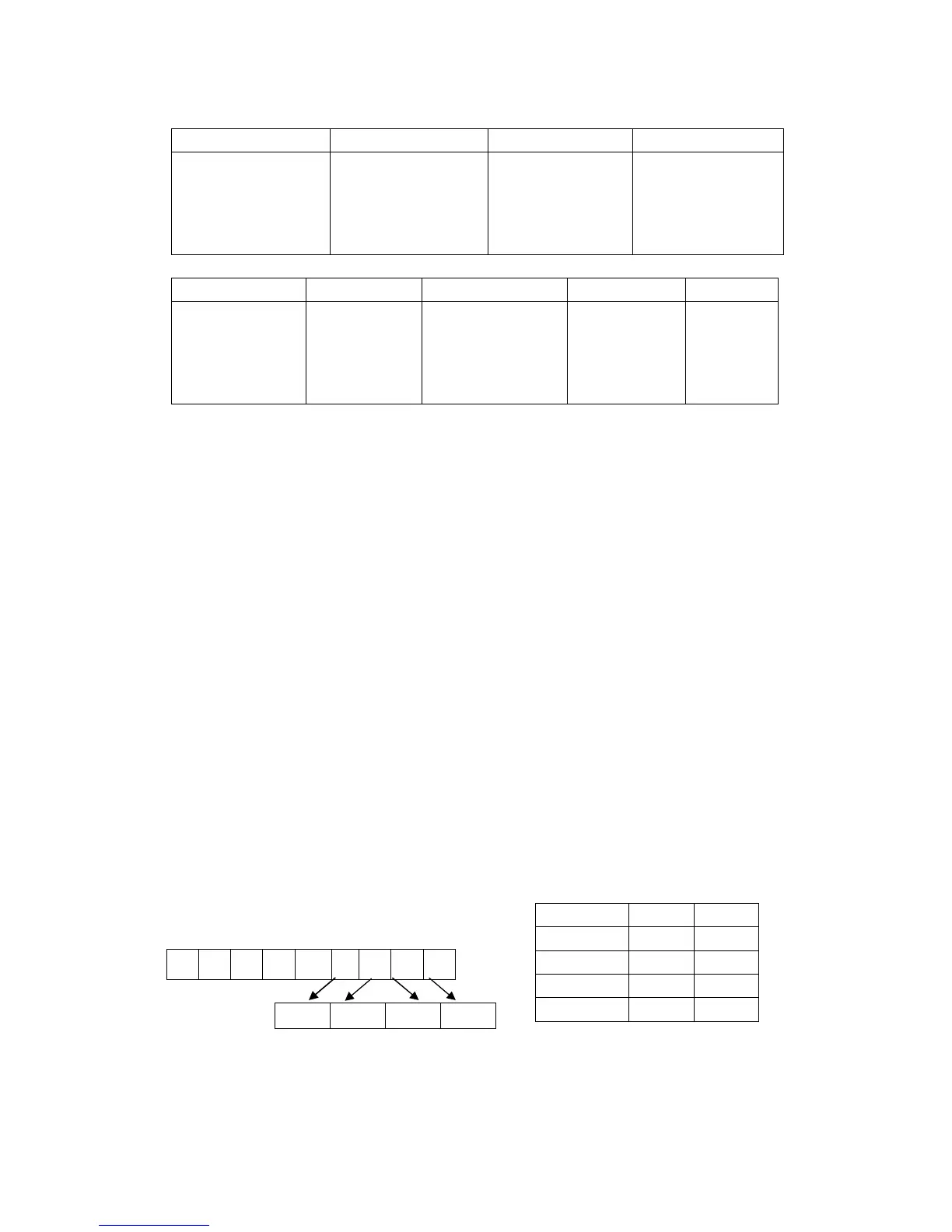
FLAG: ABCD (Retail mode)
A B C D
Department mode ①
0:Normal
1:Single
②
0:Normal(default)
1:Negative
2:Gallonage
HDLO
(High digit Lock
Limited 0-7) Max.
99999.99
Department Group
1~9
★
FLAG: ABCDE (Restaurant mode)
A B C D E
Send to KP or not
0:Not send
1:Send
Department
mode ①
0:Normal
1:Single
②
0:Normal(default)
1:Negative
2:Gallonage
HDLO
(High digit Lock
Limited 0-7)
Max. 99999.99
Department
Group
1~9
Note: ① Department mode :
Normal:
When a sale item amount is entered, the sale is not finalized until a
payment key (such as [TOTAL]) is operated. Other items can be
entered with one sale receipt sequence.
Single:
Single item department automatically total as a cash sale
immediately after registration. (I.e. when no other items have been
entered within one receipt sequence). If a PLU is linked with this
department, the PLU will inherit single status.
② Department status:
Normal:
enters the price using the normal decimal place
allows you to closely track the number of
discounts given or the number of times the discounts were given.
Gallonage:
Mode allows entering a price with 3 decimal places,
representing the cost per gallon, pound, kilogram, yard, meter, or
other unit of measurement. For example, $2.899 per gallon. The
quantity, representing the unit of measurement, can also be
entered in up to 3 decimal places. This lets you enter 10.931
gallons of gasoline at $2.899 a gallon.
Negative Mode allows you to set the price to a negative number.
This is useful when you need to assign preset discounts or
coupons.
★
TAX NO:(TAX mode)
★
VAT NO:(VAT mode)
Display:
T X
TAX NO. NO YES
TAX1 0 1
TAX2 0 1
TAX3 0 1
TAX4 0 1



 To Next Page