41
Example:
[ref/-] key has already preset price 1.00
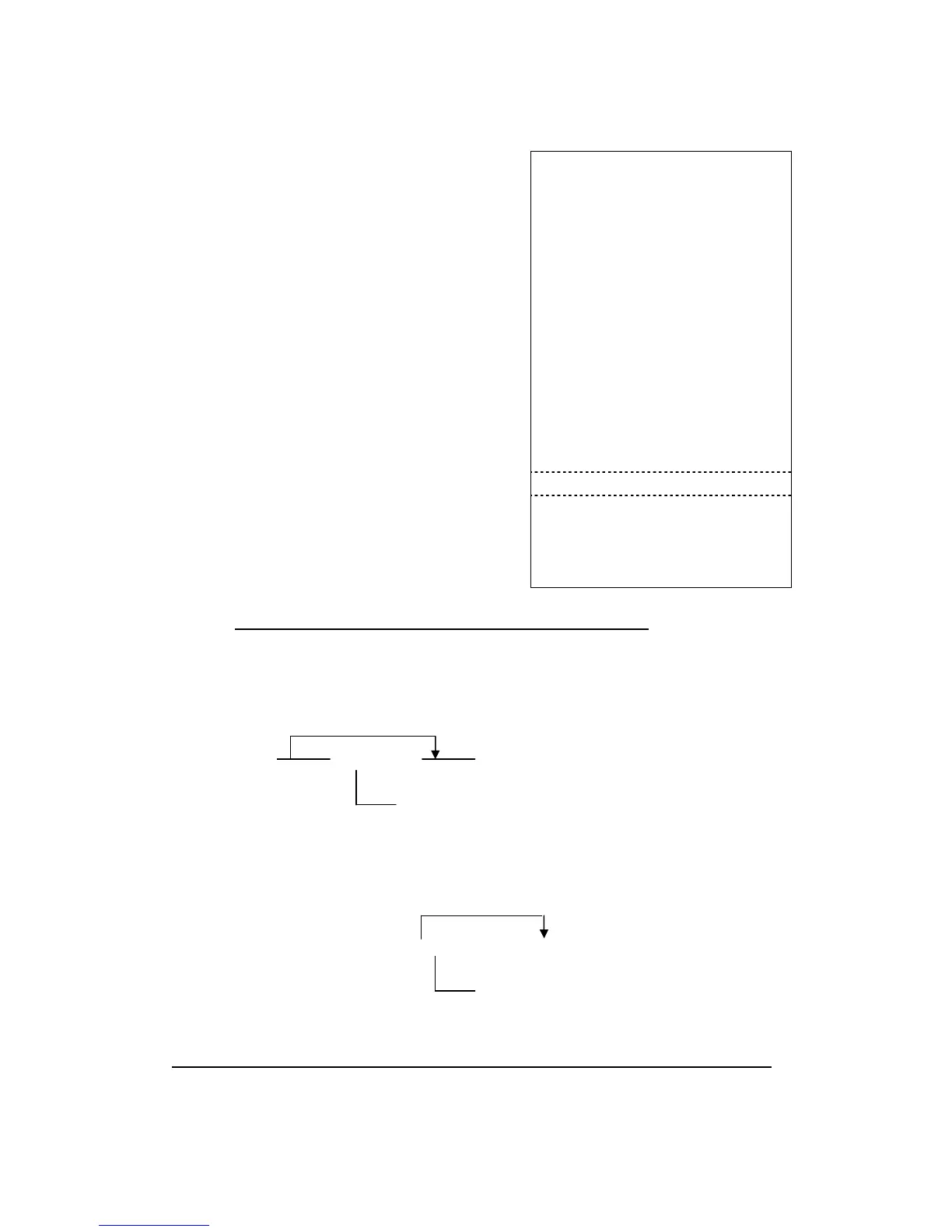
[DEPT2] Preset price2.00 Item Name Price
[ref/-] Used preset price 1.00 = = = = = = = = = = = = = = = = = = = = =
(400) [DEPT4] DEPT02 2.00
(200) [ref/-] Manual entry Refund 1.00
(2) [qty/time] DEPT04 4.00
(200) [ref/-] Manual entry Refund 2.00
(800) [DEPT2] DEPT06 6.00
(6) [qty/time] Refund 2.00
[ref/-] Used preset price 1.00 * Item *
※ Note: Must ensure the refund amount is less than the item amount.
2. subttl Refund Operation
Operation:
[subttl] [XXXXXX] [
ref/-
]
* If you have already preset price for the [
ref/-
] key, you can just press it.
You also can do multiplication with the [
ref/-
] key the same as the department.
Operation:
[subttl](qty)[qty/time] [XXXXXX] [
ref/-
]
Qty: quantity
Note:
Both of methods must ensure the refund amount is less than the subtotal amount.
Price (6 digits)
*
Price (6 digits)


 To Next Page