49
Installing the Access Point
Step 1: Preconfigure the Access Point
https://192.168.20.1/intune/server
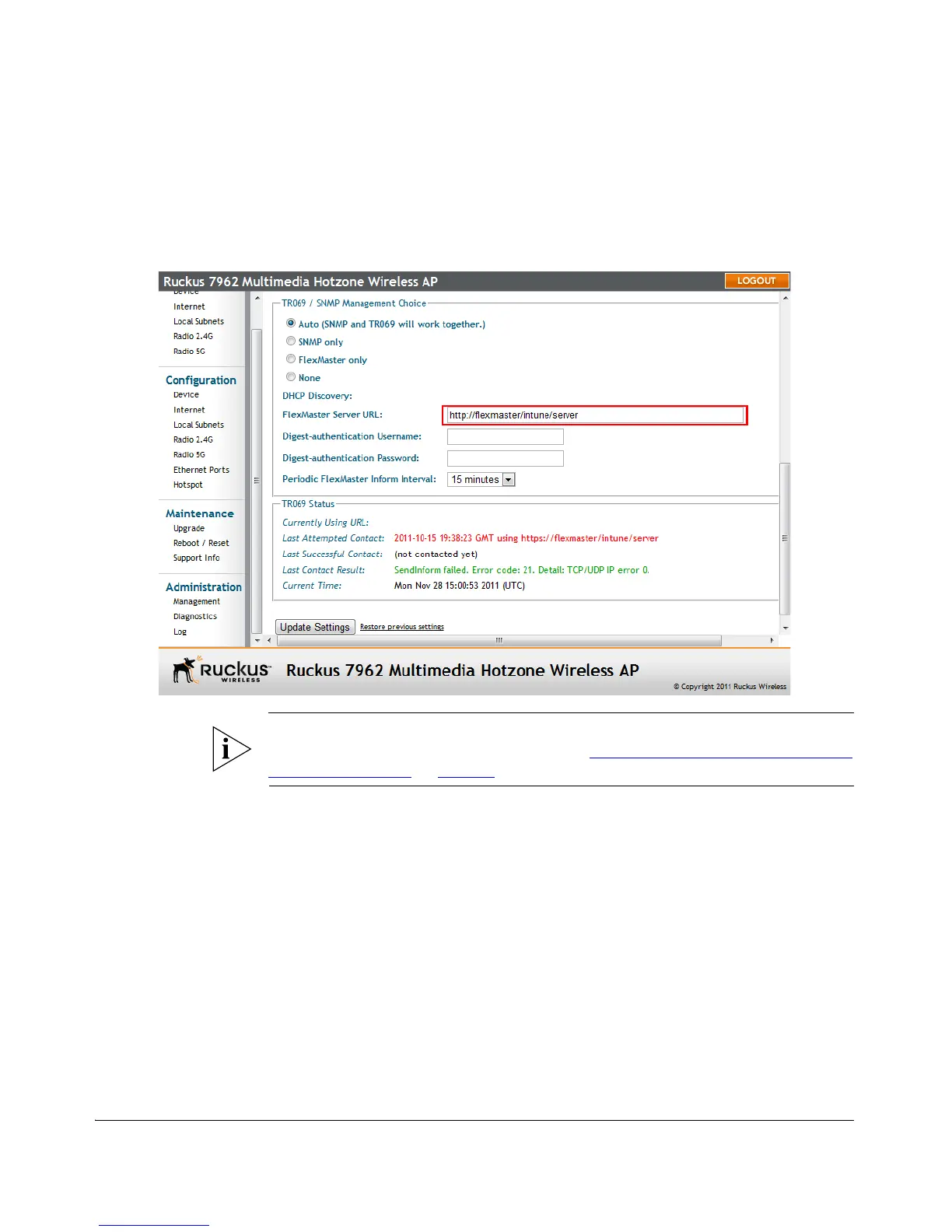
5. Click Update Settings to save your changes.
You have completed setting the FlexMaster server address on the Access Point.
Figure 30. Type the FlexMaster server URL
NOTE: Instructions on how to verify that the Access Point and FlexMaster can
communicate with each other are provided in “
Check the TR069 Status (FlexMaster
Management Only)” on page 51.
5. Disconnect the Access Point from the Administrative
Computer
1. Disconnect the Access Point from the power source.
2. Verify that the power LED on the Access Point is off.
3. Disconnect the Ethernet cable from the administrative computer’s Ethernet port.
6. Restore the Administrative Computer’s Network
Settings
1. On your Admin computer, open the Network Connections (or Network and Dial-
up Connections) control panel according to how the Start menu is set up:












 To Next Page