18
Russound ACA-E5 Installation Manual
USB AND ETHERNET PORTS
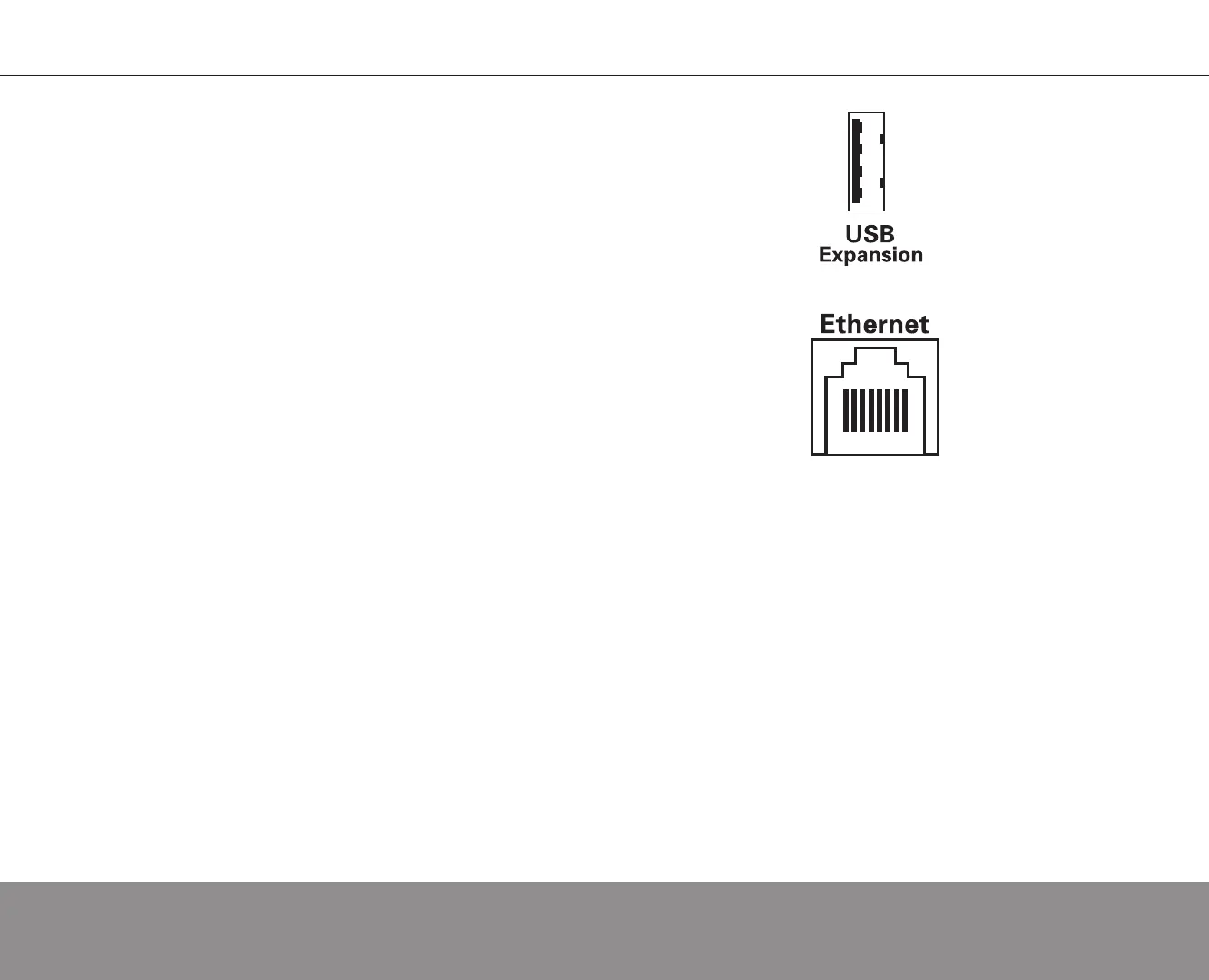
USB PORT
The ACA-E5 has a USB 2.1/1.1 port on the rear panel for updates and
future expansion uses.
ETHERNET PORT
The ACA-E5 has a 10/100 Base-T Ethernet port with link and activity
LEDs. It uses an RJ45 connection via CAT-5 cable. It is required for online
firmware updates, programming via LAN or Internet and supports advanced
user interface options. It is also required for full communication with the SMS3
Smart Media Server.
RFR-E5 REMOTE AND CRADLE
The RFR-E5’s charging cradle communicates with the controller via an
Ethernet connection. Typical installations feature a LAN wall port in the room
where the RFR-E5 will be located, with CAT-5 run from the cradle to the LAN
connection. The RFR-E5 requires the controller to have a connection to a 100
Base-T (1 Gigabit recommended) or router. The ACA-E5 and RFR-E5(s) must
be on the same subnet.
TSV-E5 TOUCHSCREEN
The TSV-E5 communicates with the ACA-E5 entirely over an Ethernet
network, which requires a DHCP (Dynamic Host Configuration Protocol)
Router with NAT/Firewall (100 Base-T, 1 Gigabit recommended). The
touchscreen connects via CAT-5e to a Power-Over-Ethernet power supply,
which is then connected to the router. An active Internet connection on the
same subnet is required to support system updates and widgets.


 To Next Page