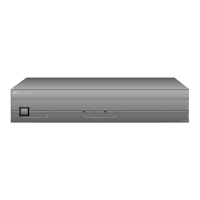
Russound ACA-E5 Installation Manual
7
ACA-E5 FRONT PANEL
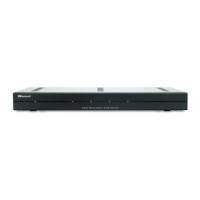
ACA-E5 controller front panel shown with cosmetic cover panel lowered
Power Switch - Lighted push-in power button shows blue for ON
Page 10
Zone Activity LEDs - Eight zone status LEDs with name labels show white when active. A sheet of zone labels is included.
Page 16
IR Window - Window for IR learning
Page 22
USB Programming Port - USB port for controller programming (requires an A to B USB cable)
Page 24
Programming Switch - Switch for selecting front USB port or rear RS232 B serial
Page 24


 To Next Page