24
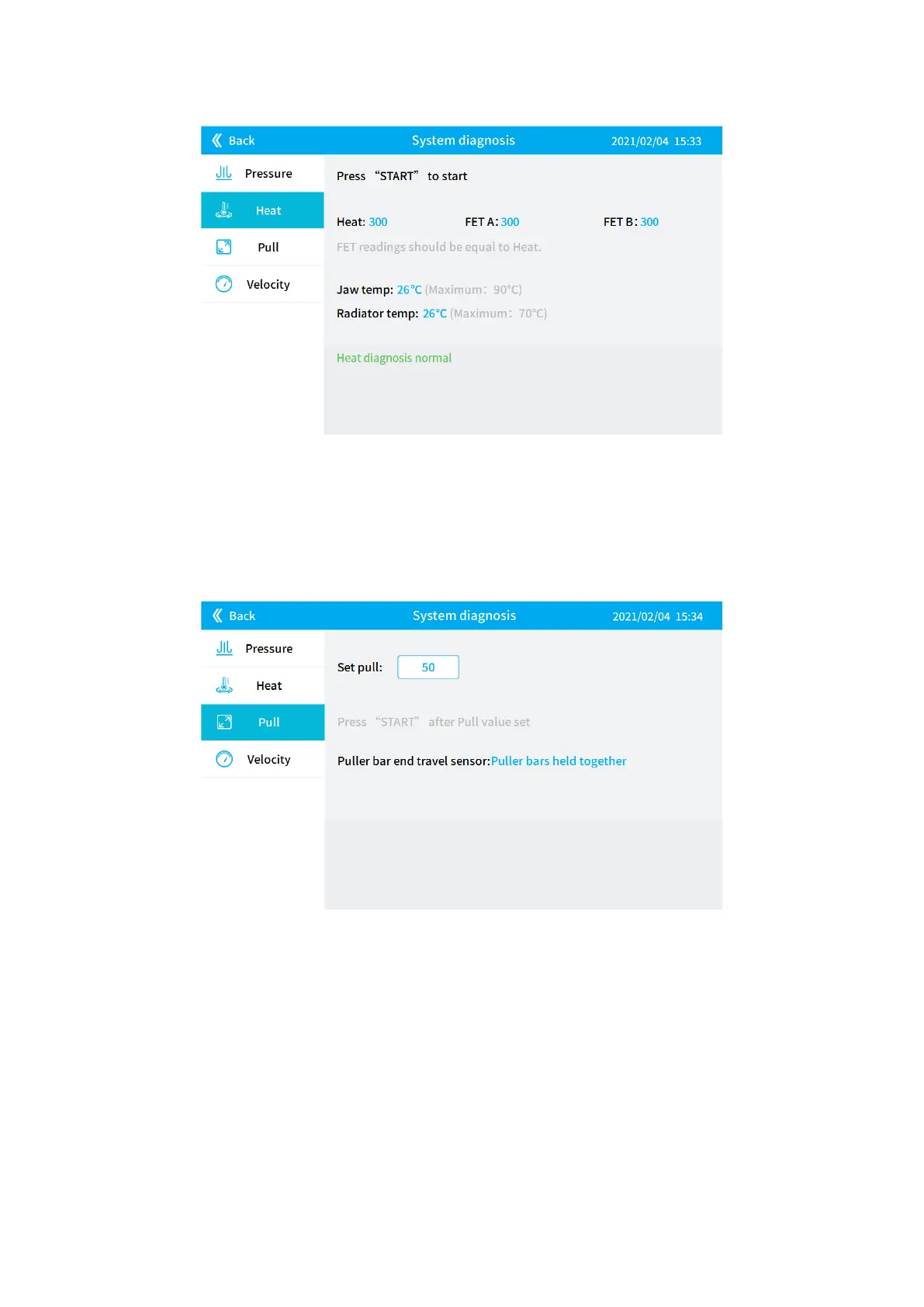
2) Heat diagnosis
Figure 4-20
3) Pull diagnosis
Set the pull value within the value range of 0-255, pull the puller bar handles to the middle, and
press the green [START] button on the right side of the display. Set the pull value to correspond
to the pull during pulling, and the user can judge whether the pull diagnosis is normal.
Figure 4-21
4) Velocity diagnosis
Set the velocity value within the range of 1-255, then move the puller bars left and right, and
when it displays "tripped", it means the velocity diagnosis is normal.


 To Next Page