18
4.11 Parameter adjustment
After pulling the microelectrode, compare it with the target microelectrode, and adjust the
recommended parameters to pull the microelectrode that meets the needs.
1. Patch clamp microelectrode adjustment
Select the models of the heating filament and the glass in the [Pull Protocol] interface, select
[Patch clamp] to get the recommended parameters, and adjust the parameters according to the
following steps.
Thickwall glass (Model: B-15086-10F, B-12069-10F)
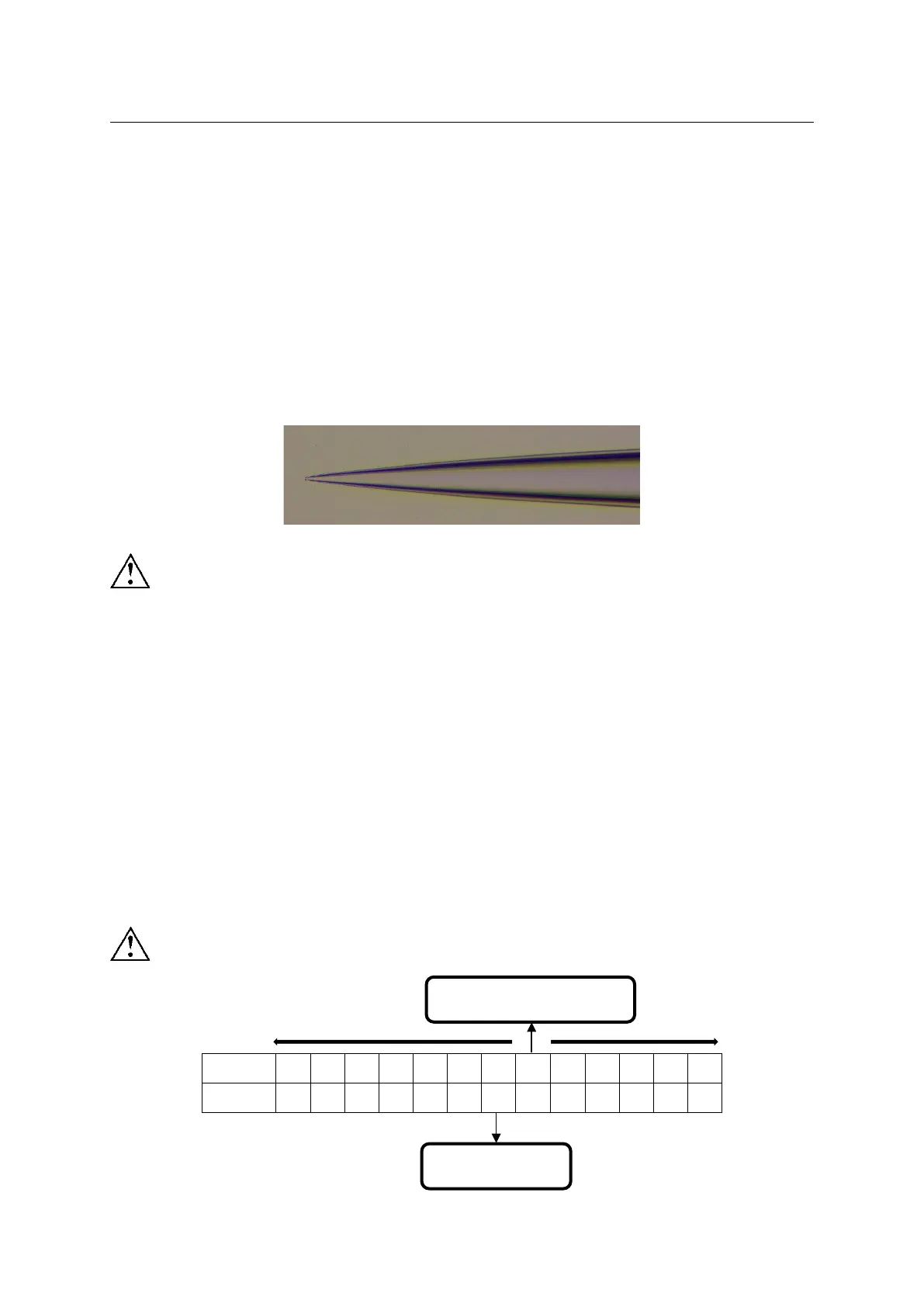
The microelectrode pulled by a thickwall glass is shown in Figure 4-15.
Figure 4-15
When using a thickwall glass to pull a patch clamp microelectrode, set [Delay] to 1, and
do not increase or decrease [Delay] parameter!
1) Test median velocity
Based on the recommended parameters, increasing or decreasing the velocity value will get
different cycle value. Find the velocity range for 4 cycles and 5 cycles, from which the
corresponding median velocity can be calculated.
Example: The recommended velocity is 31, increase or decrease the velocity value, and find
the velocity range for 5 cycles is 25-35; the velocity range for 4 cycles is 36-44. Then the
median velocity for 5 cycles is(25+35)× 0.5=30, and the median velocity for 4 cycles is
(36+44)× 0.5=40.
When testing the median velocity, the recommended cycles are 4 and 5!
Median velocity
Recommended
parameter


 To Next Page