8
4-Operating Procedures
4.1 Initial start
This device should be placed on a stable and level platform during use. Do not place
on the unstable platform!
Connect the power wire, plug it into the three-hole socket, press the power switch to start the
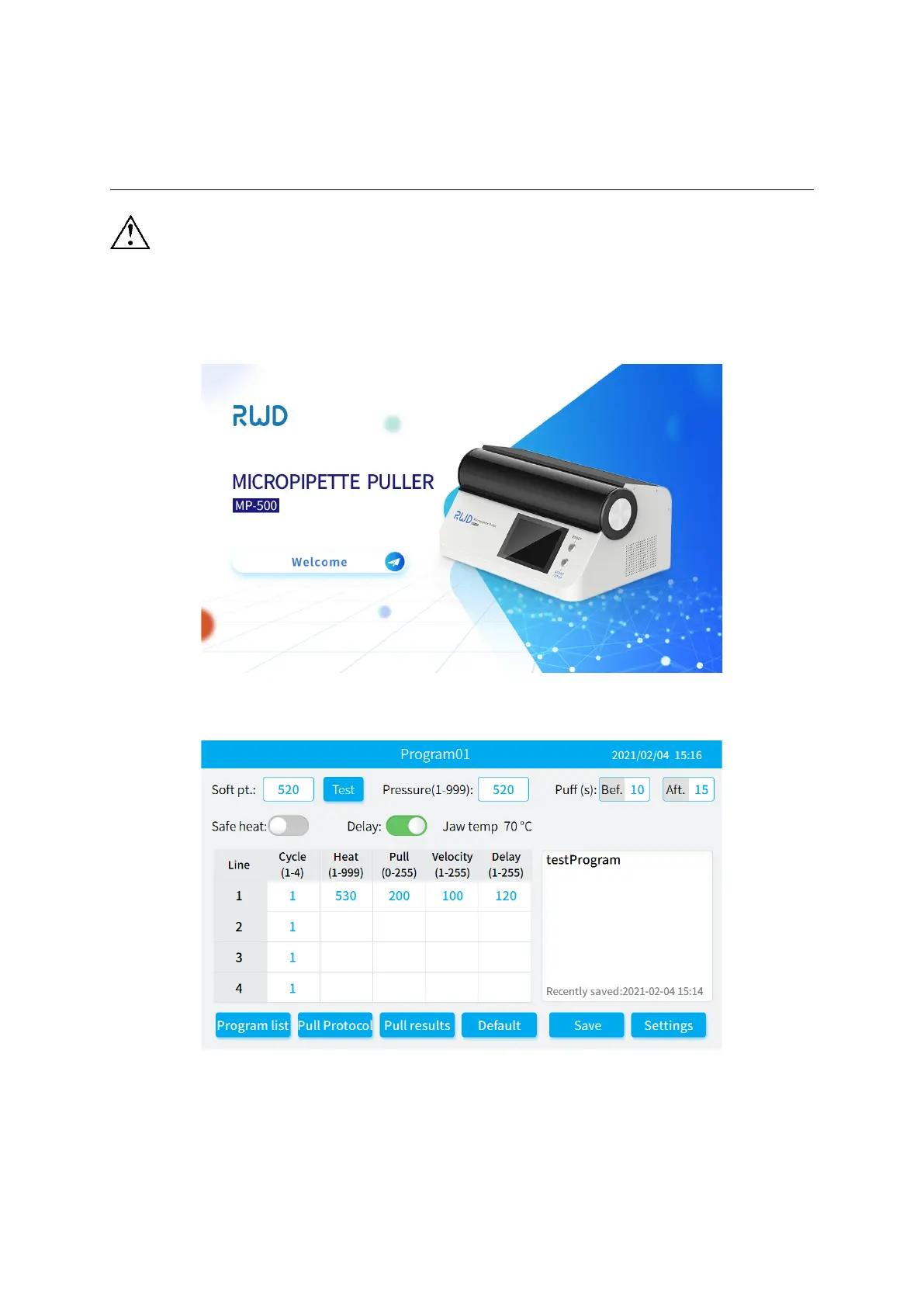
device, and the system first displays the boot interface.
Figure 4-1
Wait 30s for the progress bar to load, enter the [Main Interface], as shown in Figure 4-2.
Figure 4-2


 To Next Page