36
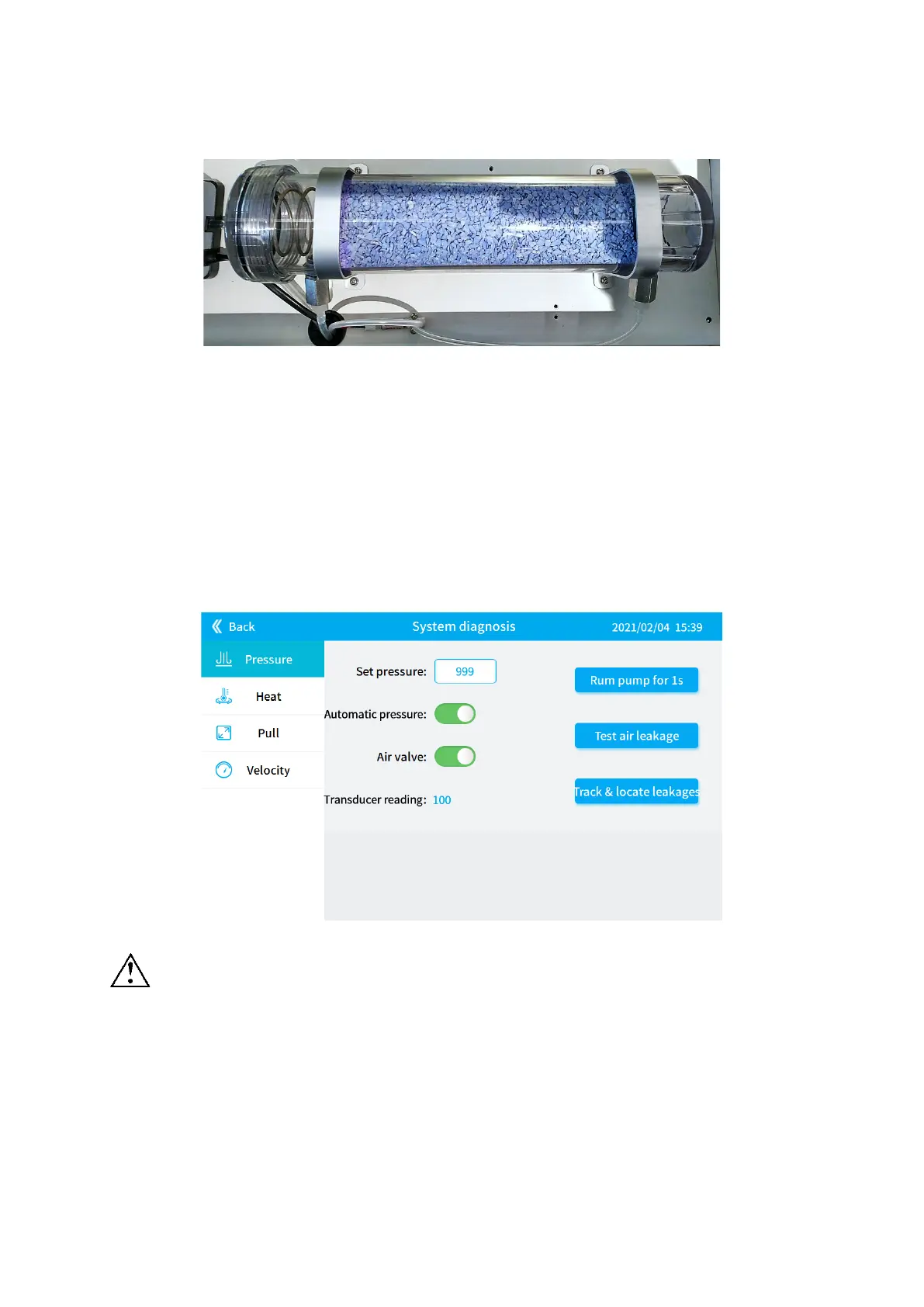
1) Unplug the power wire before replacing the drierite canister.
Figure 6-18
2) Remove the left and right hoses from the drierite canister.
3) Remove the fixing screws①, ②, ③, ④.
4) Replace with a new drierite canister.
5) Tighten the fixing screws①, ②, ③, ④.
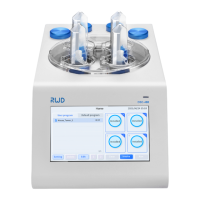
6) Connect the left hose, enter the [Pressure diagnosis] interface as shown in Figure 6-19, set
[Set pressure] to 999, turn on [Automatic pressure] and [Air valve], turn on the air pump and
spray for a few minutes to remove the dust in the canister.
Figure 6-19
Do not connect the hose on the right side at this time, so as to prevent dust from
blowing in and block the air valve.
7) Connect the right hose and reconnect the power.


 To Next Page