19
2.5.3 SETTING DAILY REMINDERS
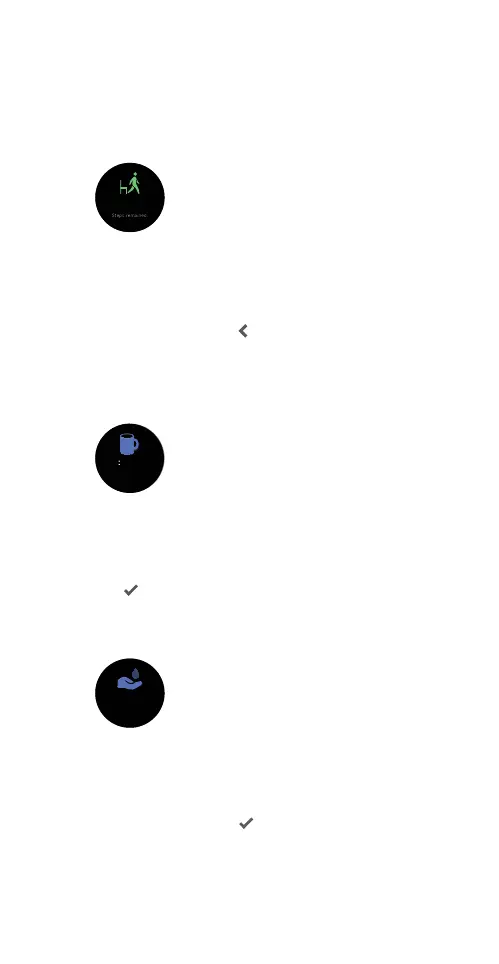
Setting up a walk reminder with your smartwatch
Set yourself a reminder to get up and walk around at
the 50-minute mark of every hour to reach your daily
steps goal.
Open the App and ensure that your smartwatch is
paired to the App. Go to the Device tab and tap Health.
Tap Walk-Around Reminder. In the following screen, turn
on the switch and set the timing for an hourly steps goal
or a repeat cycle. Tap
to save the settings.
Setting up a drink reminder with your smartwatch
Set yourself a reminder to drink water at set intervals to
keep yourself hydrated and healthy.
Open the App and ensure that your smartwatch is
paired to the App. Go to the Device tab and tap
Health. Tap Drinking Reminder. In the following screen,
turn on the switch to set the timing or a repeat cycle.
Tap
at the upper right to save the settings.
Setting up a hand wash reminder with your
smartwatch
Open the App and ensure that your smartwatch is
paired to the App. Go to the Device tab and tap
Health. Tap Wash-Your-Hand Reminder. In the
following screen, turn on the switch to set the timing
or a repeat cycle. Tap
at the upper right to save
the settings.
Drink some water and take
Drink some water and take
Drink some water and take



 To Next Page