2 FRONT PANEL
2.1 Power Button
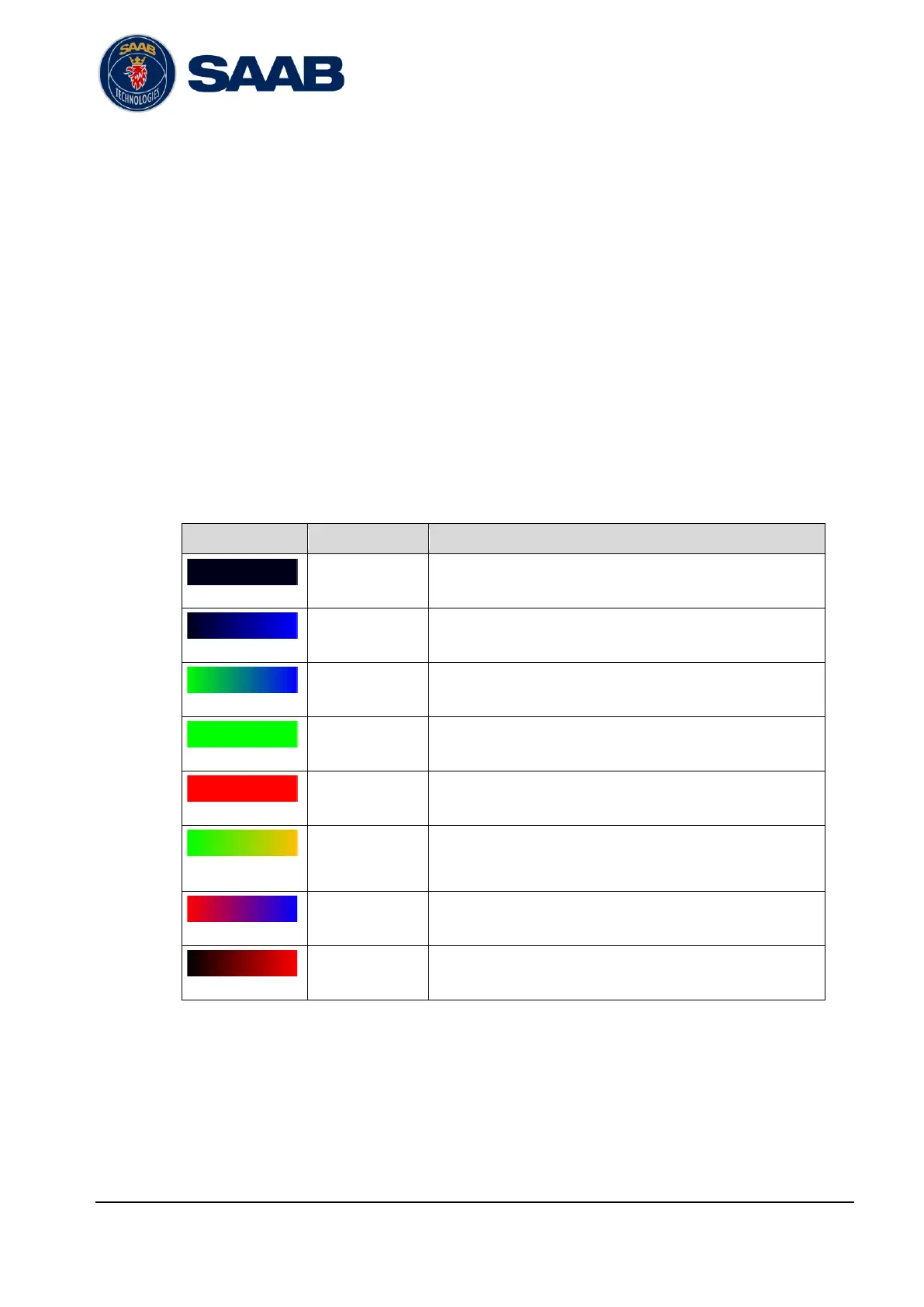
The R60 power button is a momentary push button with a built in RGB LED for status
indication.
The R60 supervisor will always be powered on and accessible while either AC or DC
power is available.
2.1.1 Operation
To power on the R60, push the button. The R60 station will power on immediately.
To power off the R60, push and hold the button depressed for at least 2 seconds.
2.1.2 LED Indications
Powered off and no AC or DC power is available
AC or DC power source is available.
Powered off but supervisor is powered on.
Powered on and is booting.
Operational with no active alarms.
Operational with at least one active alarm.
Operational with no active alarms.
Configured for hot standby and is currently operating in
standby mode.
Software load in progress. The R60 is not operational.
Failure, the R60 is not operational
2.2 Front Display
2.2.1 Introduction
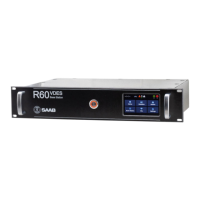
The R60 front display shows status information and other operational related
information. It is also possible to configure network communication settings.


 To Next Page