2.2.8 Settings
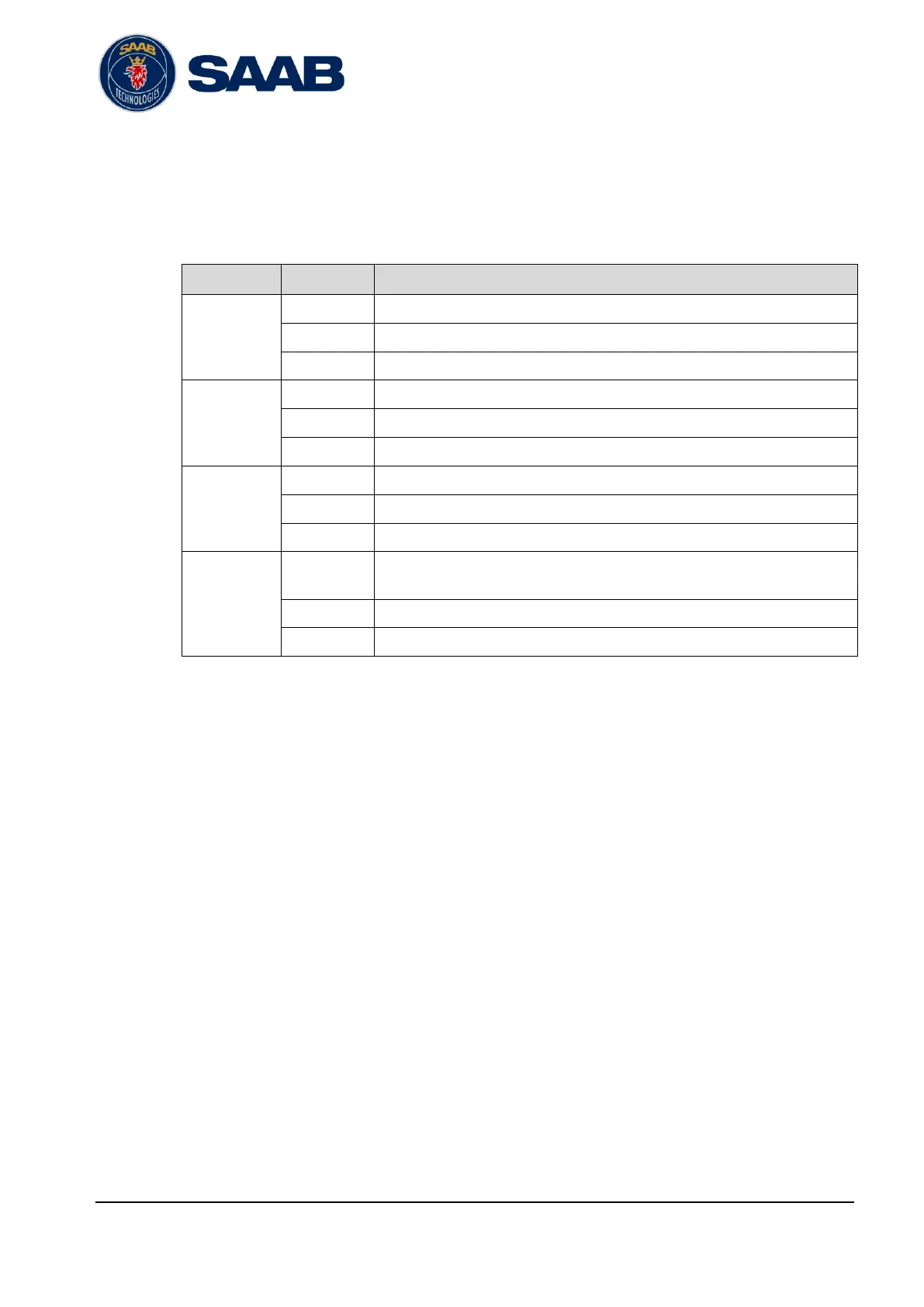
The configuration parameters possible to set via the front display GUI is specified in
the table below. Input is done by means of a virtual keyboard shown when a
parameter value is pressed.
IP address of Ethernet interface 1
Netmask of Ethernet interface 1
Gateway of Ethernet interface 1
IP address of Ethernet interface 2
Netmask of Ethernet interface 2
Gateway of Ethernet interface 2
Network
ETH3
(Supervisor)
IP address of Ethernet interface 3 (Supervisor)
Netmask of Ethernet interface 3 (Supervisor)
Gateway of Ethernet interface 3 (Supervisor)
Sets time until display turns off from last touch input.
Sets the display brightness
Sets the display language
Table 2-1 – Front display configuration parameters


 To Next Page