6.12 Configure > Third AIS Channel (Full Base Station only)
Settings for setup Third AIS Channel are found by selecting the Configure base category
and then select the Third AIS Channel sub-category.
Use this category page to setup Third AIS Channel settings.
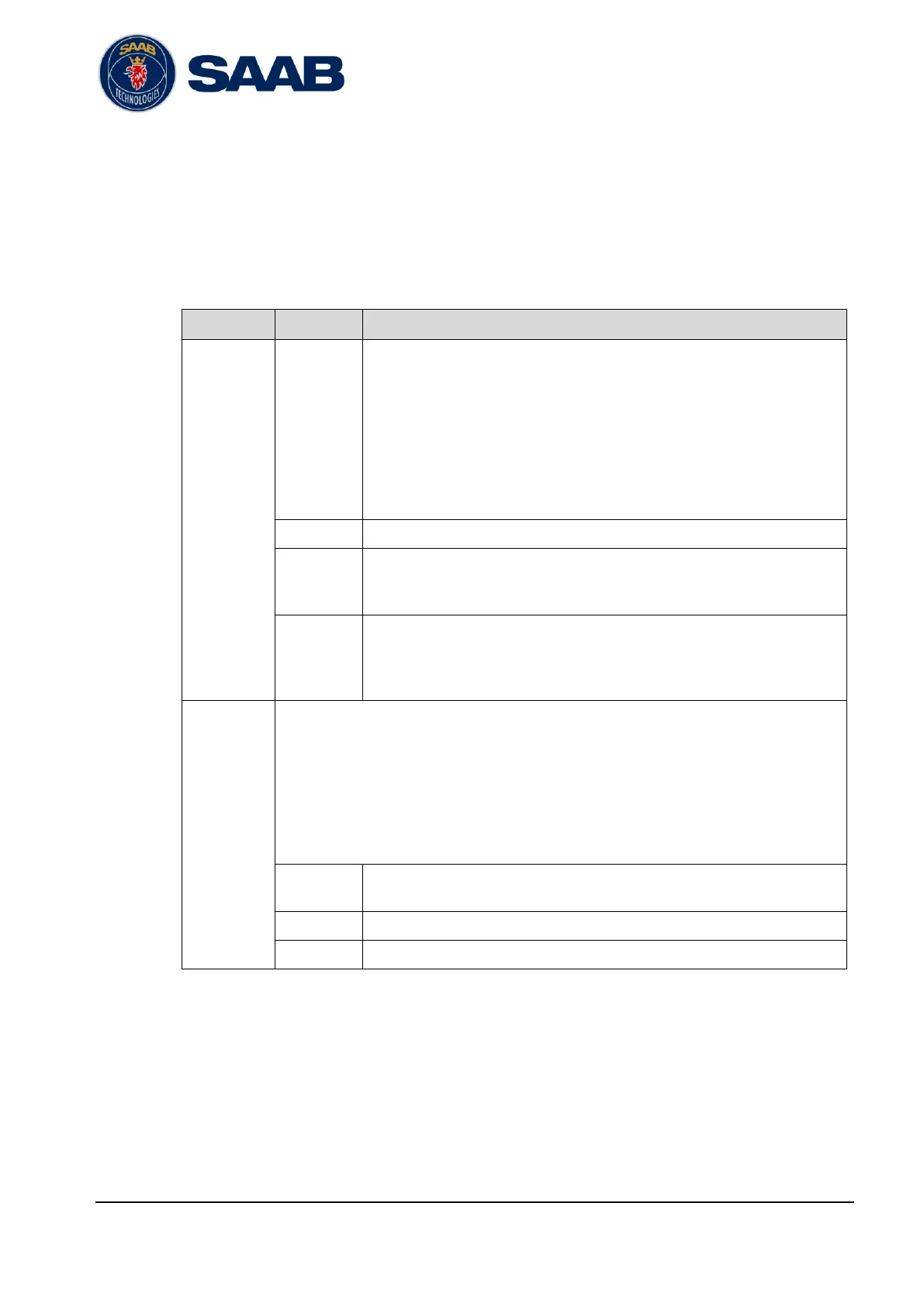
The settings have the following meaning:
The channel letter used for input and output of messages on the Third AIS
channel transceiver.
A value of ‘-’ indicates normal operation and disables Third AIS Channel
mode on the selected transceiver. The parameters below will then not be
used for the selected transceiver.
Any other value (D-Z) will activate Third AIS Channel mode on the selected
transceiver and parameters below will be used.
The VHF radio channel that shall be used for Third AIS Channel operation.
Enables/Disables transmissions on each channel. If these boxes are not
checked no transmissions will be made by the base station on the selected
transceiver.
Specifies if the base station shall use low or high VHF output power. For
standard R60 Base Station unit the settings correspond to:
High power 12.5W
Low power 1W
The filter option to be applied to each of the TCP network interfaces of the base station.
The available settings are:
Only AIS A & B
Only messages on channel A and B will be output/accepted on the selected port.
Only Third Channel
Only messages on channels D-Z will be output/accepted on the selected port.
All AIS
All messages will be output/accepted on the selected port.
Setting for the R60 standard interface TCP port 8021
(MARITIMECONTROL/CoastWatch).
Setting for the R60 standard interface TCP port 8030 and 10001.
Setting for the R60 Third Channel interface TCP port 8022.
Table 6-10 – Parameters for Third AIS Channel category page
Note: For users with legacy terminology from R40: This function corresponds to
“secure” in R40.


 To Next Page