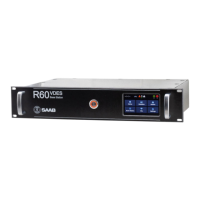
The display is a 4.3” colour capacitive touch display. The graphical user interface is
navigated by pressing on the soft buttons in the display or by pressing and dragging a
finger to scroll through lists. Input is done via virtual keyboard shown when a
parameter value field is selected.
2.2.2 Main Menu
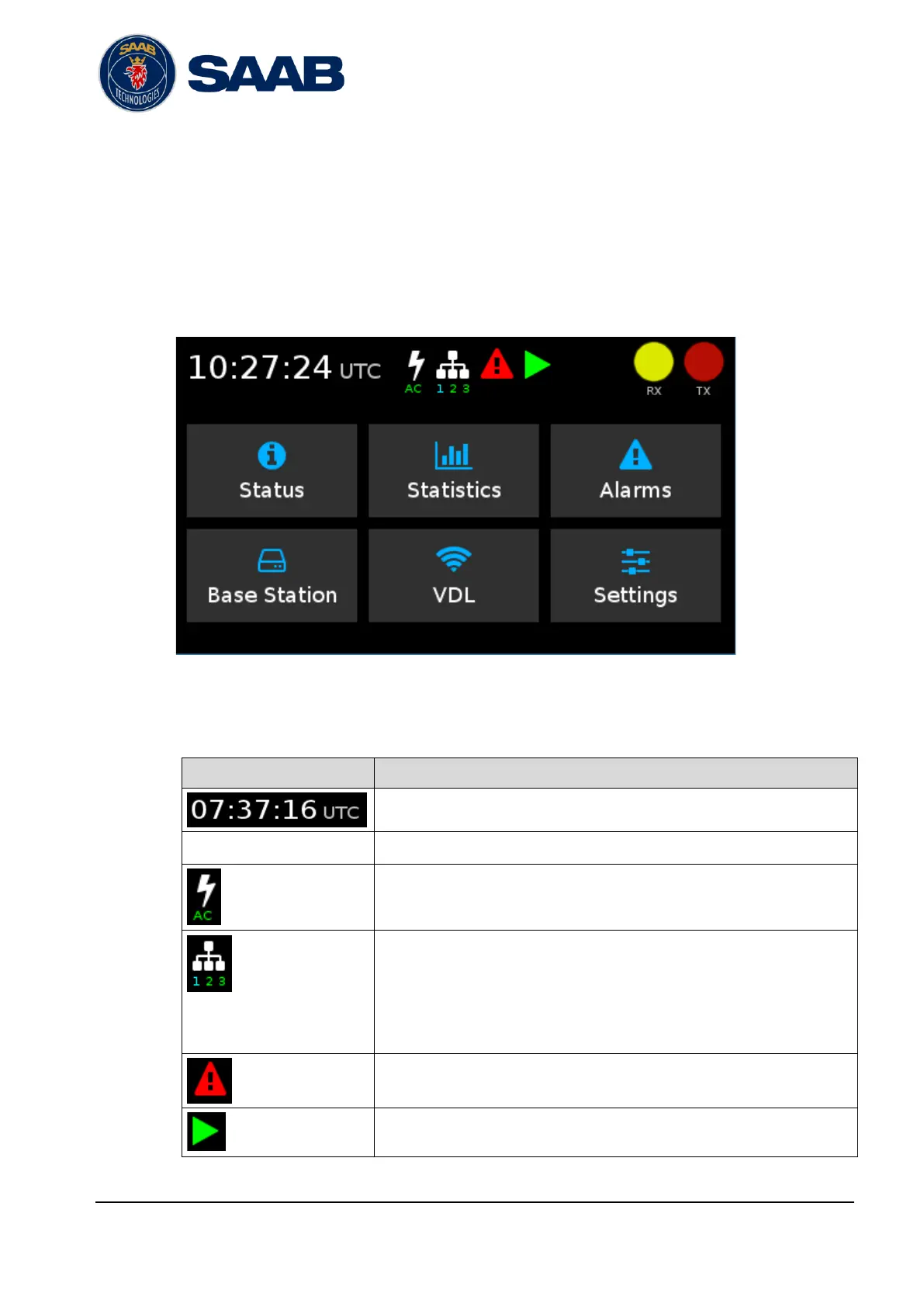
The main menu consists of a status bar and a menu button section.
Figure 2-1: Front display main menu
2.2.2.1 Status Bar
Ethernet link status. Number indicates physical Ethernet interface.
Colour indicates current link speed
Grey: No link
Magenta: 10Mbit
Green: 100Mbit
Cyan: 1Gbit


 To Next Page