Saab TankRadar
®
ProPro Setup
4-2
Edition 2. Ref. No: 306010E
System Requirements
Processor: Pentium
Operating system: Windows95/NT 4.0
Memory: 16 MB
Hard disk space: 5 MB
Installing the Pro setup software
To install TankRadar Pro configuration software on your compu-
ter do the following:
1 Start Windows and make sure that no applications are running.
If you run Pro Setup under Windows 95, upgrade Windows 95 by
running the Dcom95.exe upgrade kit.
2 Insert the TankRadar Pro setup disk.
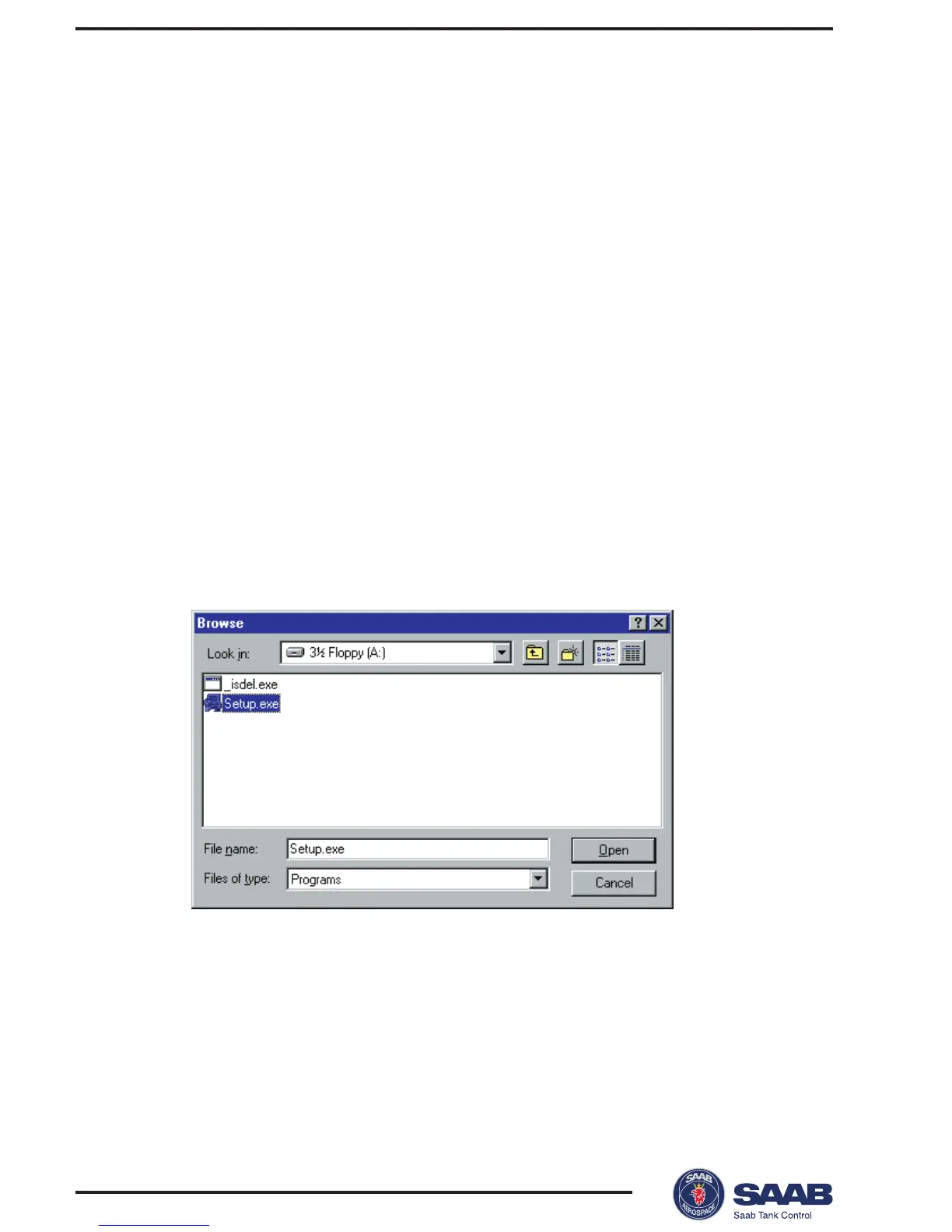
3 Select the Run command on the Start menu.
Browse to the diskett drive and select the setup file. Follow the
instructions.



 To Next Page