Saab TankRadar
®
Pro Pro Setup
4-7
Edition 2. Ref. No: 306010E
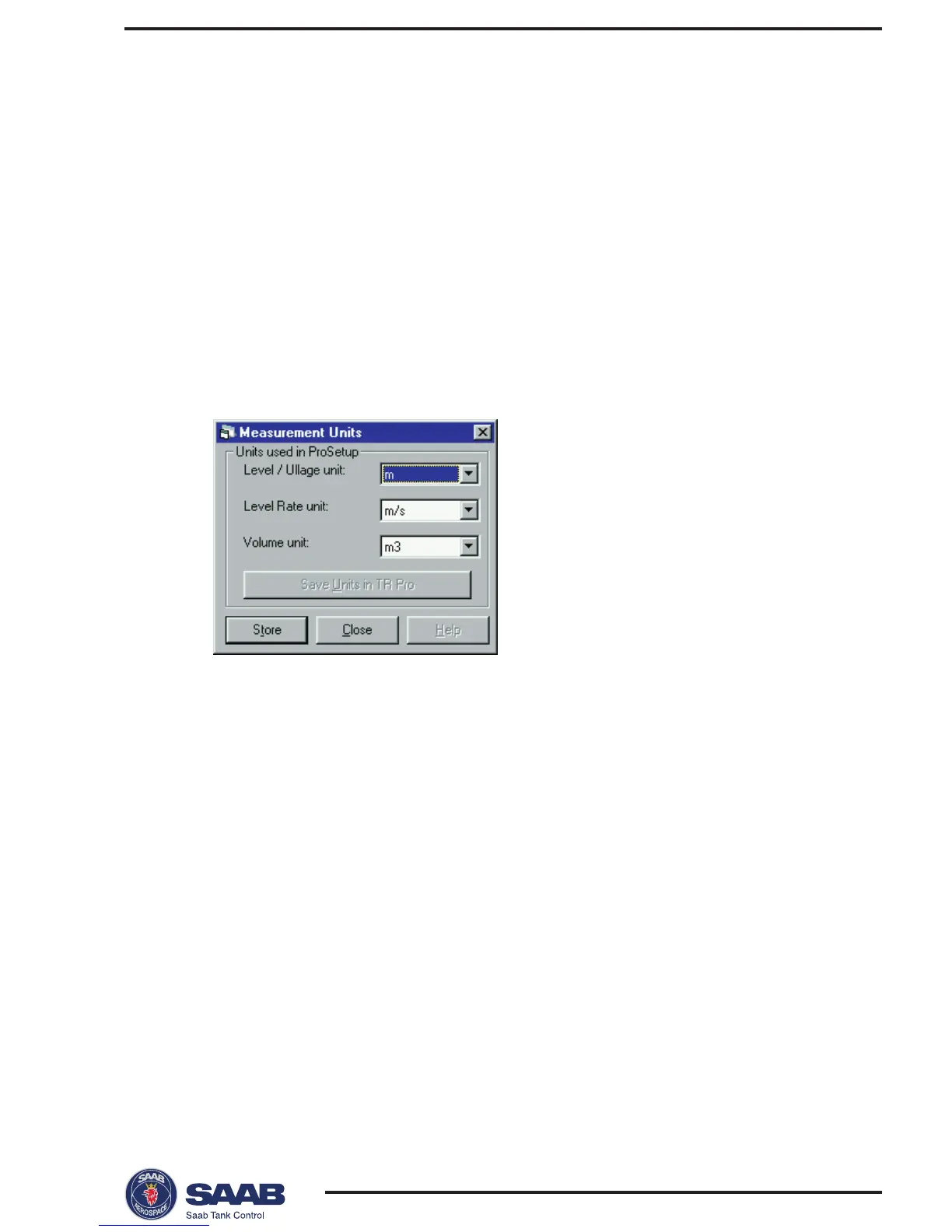
2 Select the desired units for Level/Ullage, Level Rate and volume.
3 Click the Store button.
Logging on to a password protected system.
To log on to a password protected system do the following:
1 Select Password from the Setup menu.
2 Enter your password in the Password input field.
3 Click the Log On button.
4 When your password is accepted click the Close button.
Setting measurement units
1 Select Measurement Units from the Setup menu.



 To Next Page