Saab TankRadar
®
Pro Pro Setup
4-33
Edition 2. Ref. No: 306010E
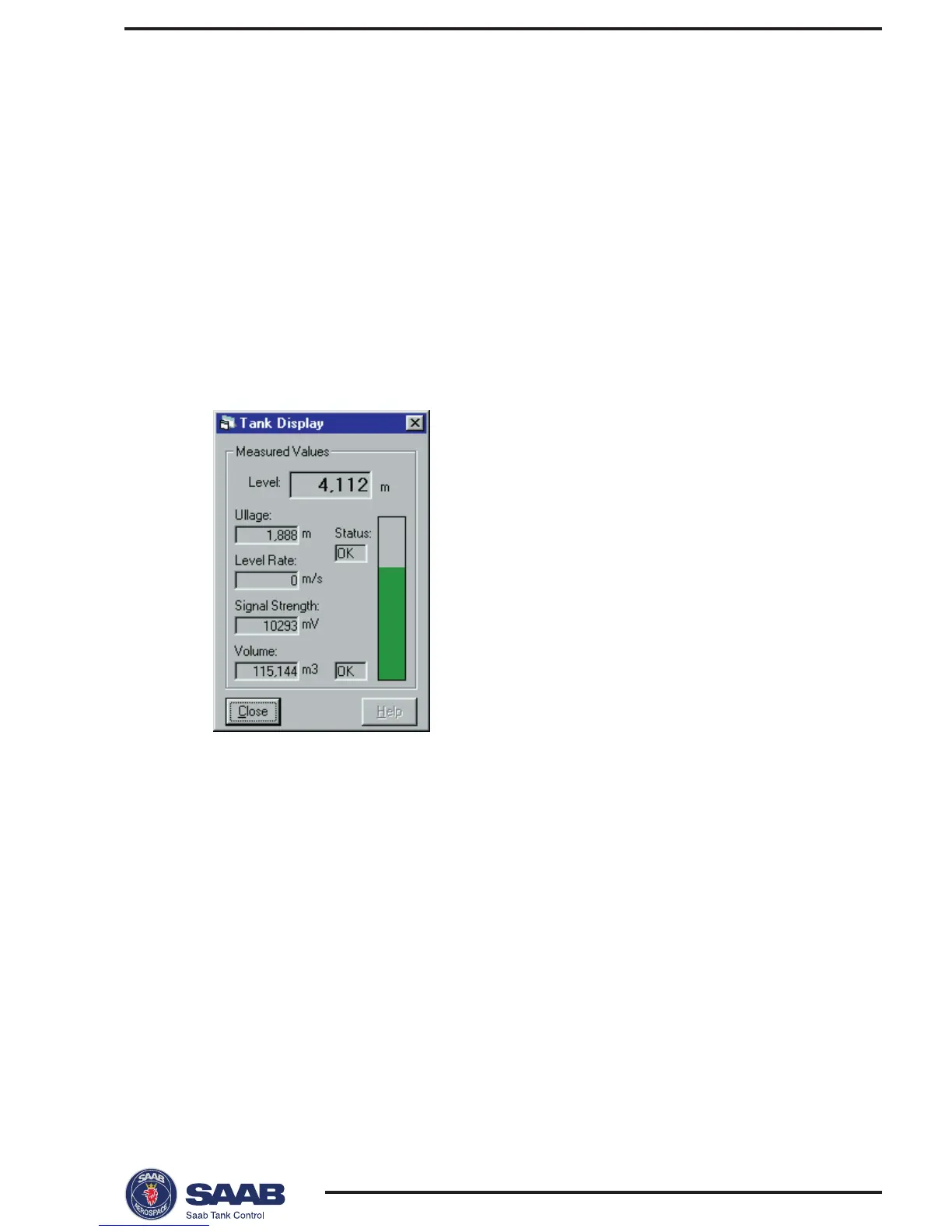
Viewing Level Data
To view level data do the following:
1. Start the Pro Setup program.
2. Open a tank file by choosing Open Tank from the File menu
or
by clicking the Open Tank button.
3. Select the Tank Display option from the View menu,
- or -
click the Display button in the PRO Setup Main window.
The contents of this window is continuously updated. You can change
measurement units by choosing the Measurement Units option from the Setup
menu.



 To Next Page