Saab TankRadar
®
Pro Pro Display Panel
5-11
Edition 2. Ref. No: 306010E
Give password:
**
OK
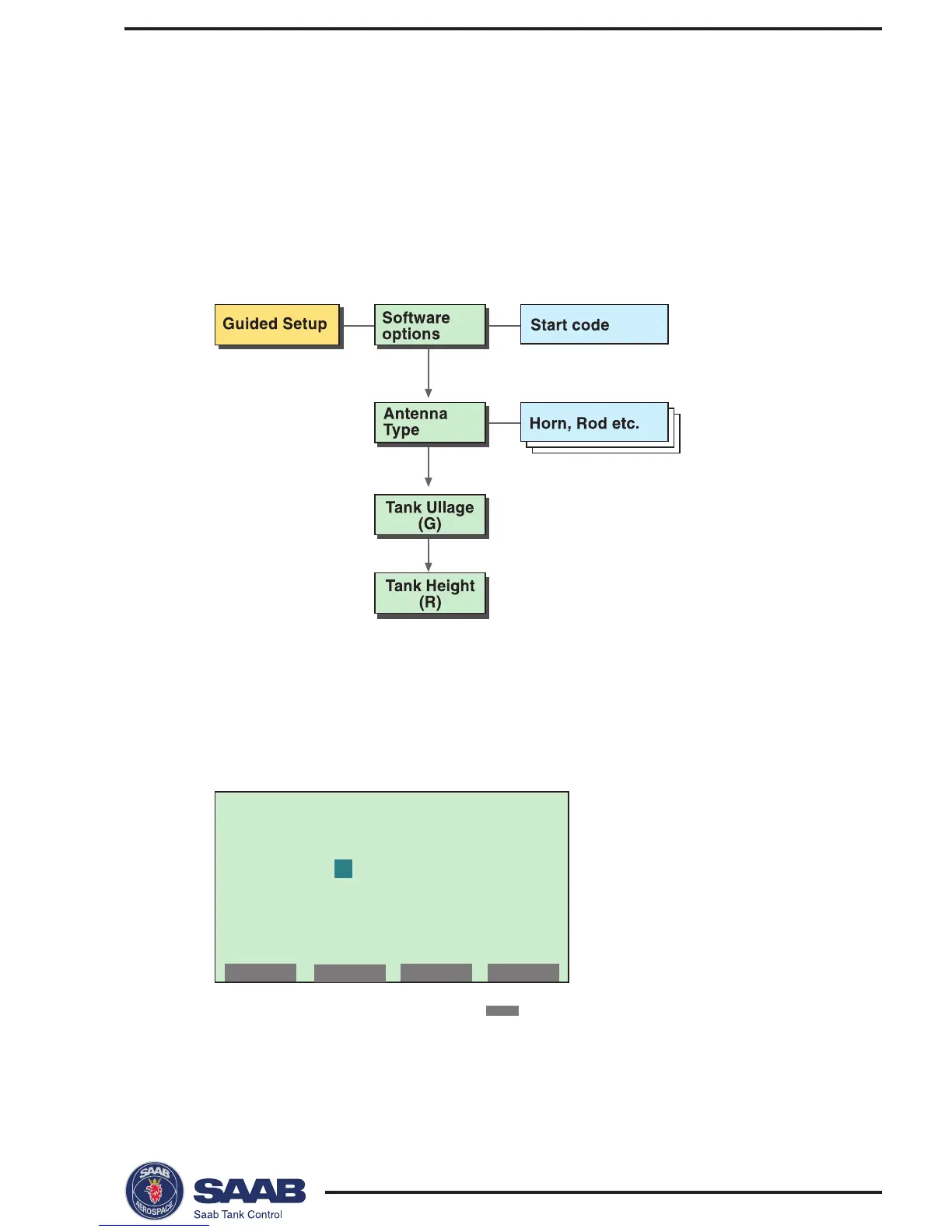
Guided Setup
The Guided Setup includes the basic steps to start the transmit-
ter.
By using this option you are guided step by step through a se-
quence of configuration windows. The windows are automati-
cally opened in a predefined order.
To configure a new radar gauge using the Guided Setup option
do the following:
1
. Choose Setup from the Main Menu.
Response: a request for password is displayed.
2
. Enter your password and press the
NEXT
button.
The password is defined by clicking the first three softkeys in a given
order. An asterisk is shown for each key that is pressed. See
Entering a
Password
.



 To Next Page