INTEGRA-X User Manual WEB GUI
SAF Tehnika JSC 23
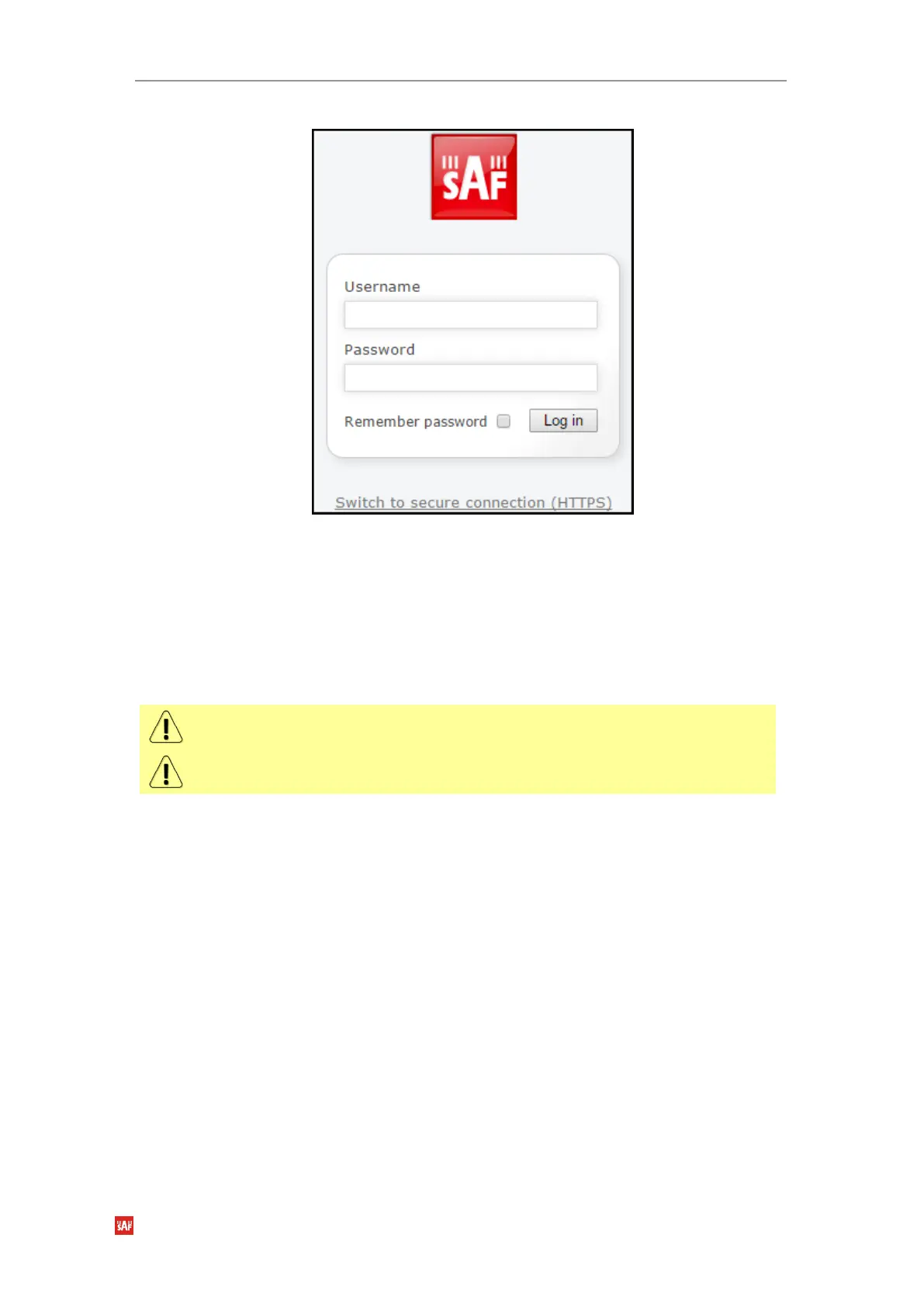
3) The login screen will appear, see
Figure 3-5
:
4) Enter the username and password. Default credentials are as follows:
Username: admin
Password: changeme
5) Select “Remember password” if you want the browser to remember entered login
credentials.
6) Press “Log in” button.
“Switch to secure connection (HTTPS)” indicates that HTTP protocol is being used. Press
on the link and you will be redirected to secure HTTPS URL.
Minimum supported horizontal resolution is 1366px.



 To Next Page