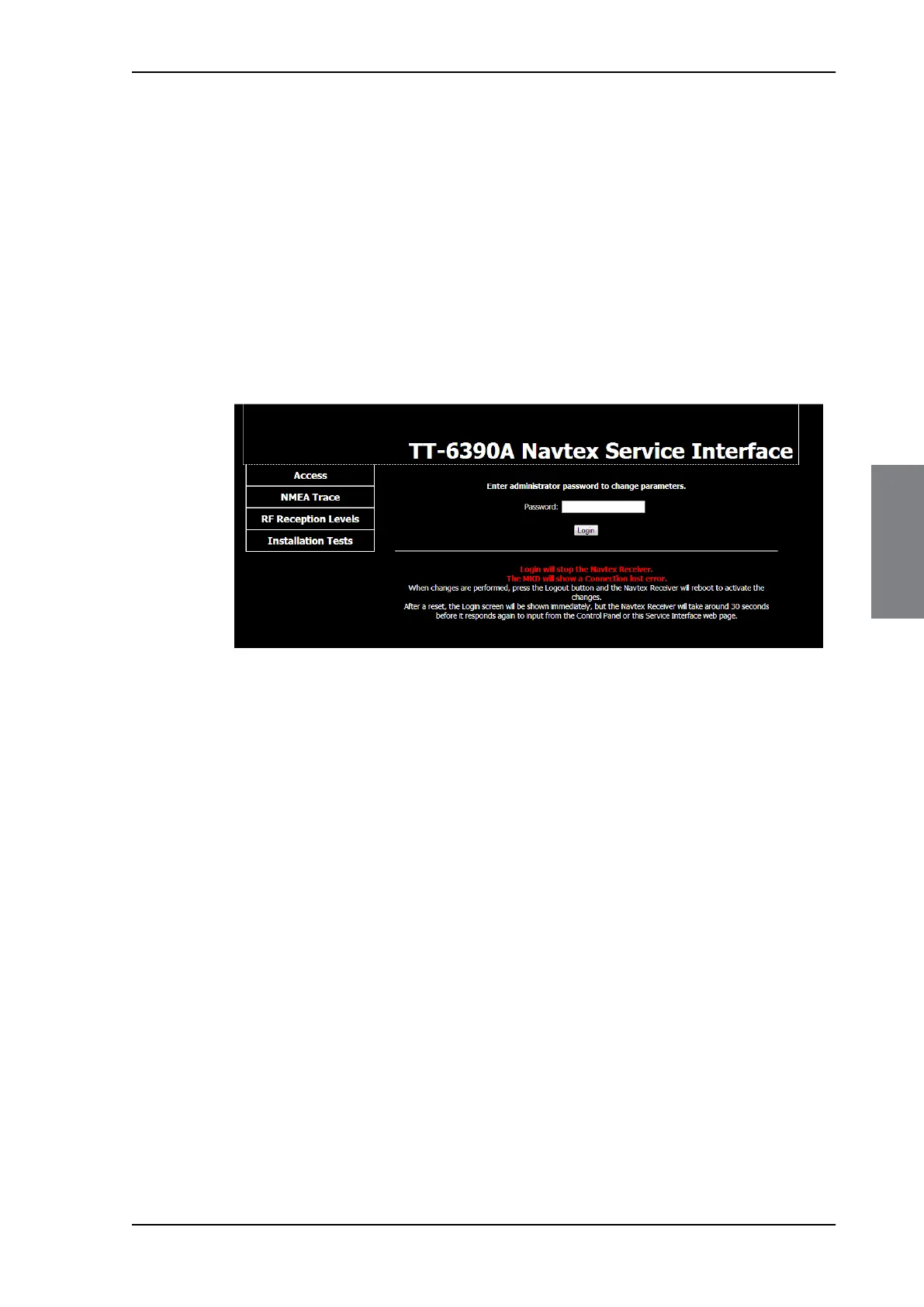
Configuration with the Service Interface
98-139768-A Chapter 4: Configuration 4-5
4444
Configuration
2. Tap the menu item in the top right corner, swipe upwards and tap Settings.
3. In the section Connection, two IP addresses are listed:
• Remote IP address – IP address of the SAILOR 6390 Navtex Receiver
• Own IP Address – IP address of the SAILOR 6004 Control Panel
These IP addresses are assigned automatically. Note down the IP address of the SAILOR
6390 Navtex Receiver.
4. Connect a PC to the same network as the SAILOR 6390 Navtex Receiver - or - SAILOR
6004 Control Panel.
5. Open an Internet browser (Firefox or Chrome recommended) and enter the IP address
of the SAILOR 6390 Navtex Receiver (Remote IP address), e.g.:
http://169.254.45.10
Before logging in you have access to some tools for verification:
• NMEA Trace, more information on page 4-18.
• RF Reception Levels, more information on page 4-19.
• Installation Tests, more information on page 4-20.
Figure 4-5: Start screen of the Service Interface in an Internet browser



 To Next Page