Configuration with the Service Interface
4-12 Chapter 4: Configuration 98-139768-A
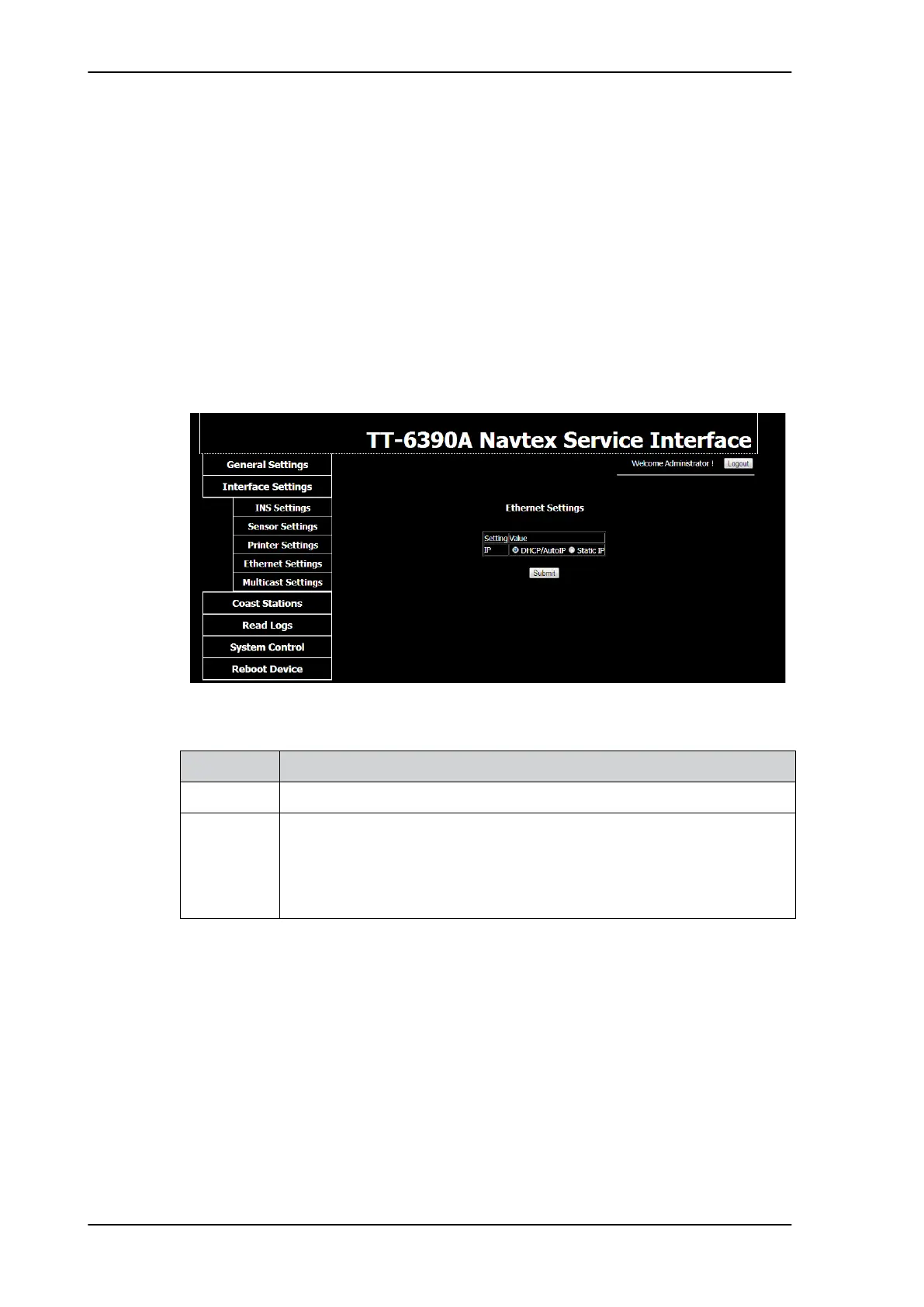
Ethernet Settings
The SAILOR 6390 Navtex Receiver and the SAILOR 6004 Control Panel communicate
through Ethernet. Other equipment can also communicate using the same Ethernet.
Therefore, it is necessary to configure an IP address and network ID for the SAILOR 6390
Navtex Receiver in the SAILOR 6004 Control Panel. I.e. the two devices must be paired.
The IP addresses of the SAILOR 6390 Navtex Receiver and the SAILOR 6004 Control Panel
are acquired automatically. There is also the possibility to set a static IP address. The IP
addresses are unique for each device connected to the Ethernet network.
There are two network IDs, one for the SAILOR 6390 Navtex Receiver and one for the
SAILOR 6004 Control Panel. The ID for Navtex receivers consists of two letters (CR or NR)
and four digits, e.g. CR0001. The ID must be unique for each device connected to the
Ethernet network.
If needed you can set the SAILOR 6390 Navtex Receiver to have a static IP address.
Click Submit to send the new settings to the SAILOR 6390 Navtex Receiver.
Figure 4-11: Service Interface: Interface Settings – Ethernet Settings
Item Description
IP DHCP/Auto IP (recommended and default) or Static IP
Static settings If you need a static IP you must enter the following:
– IP address
– Netmask
– Gateway
– DNS
Table 4-4: Interface settings, Ethernet Settings



 To Next Page