Configuration with the Service Interface
4-16 Chapter 4: Configuration 98-139768-A
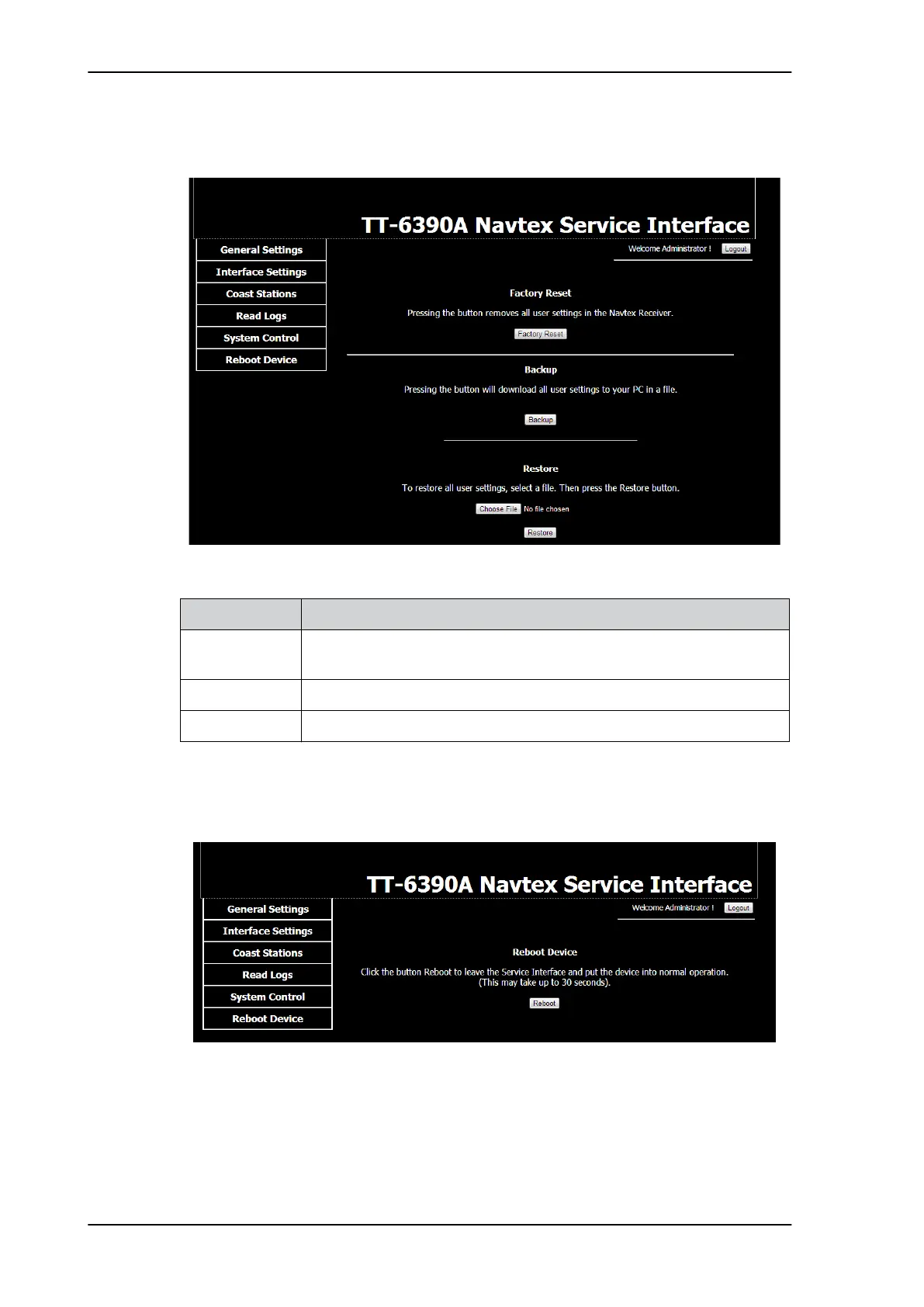
4.3.5 System Control
4.3.6 Reboot Device
Click the button Reboot or Logout to activate the changes, leave the Service Interface
and put the SAILOR 6390 Navtex Receiver into normal operation. This may take up to 30
seconds.
After a reboot the received Navtex messages remain in the SAILOR 6390 Navtex Receiver.
Figure 4-14: Service Interface: System control
System Control Description
Factory Reset Click Factory Reset to reset the SAILOR 6390 Navtex Receiver to default
values. All user settings are deleted.
Backup Click Backup to download a file with all user settings.
Restore Click Choose file and Restore to restore settings from a file.
Table 4-7: Service Interface: System Control
Figure 4-15: Reboot the device



 To Next Page