Verification
98-139768-A Chapter 4: Configuration 4-17
4444
Configuration
4.4 Verification
The following sections provide a check list for verifying the installation and some tools for
verification:
• NMEA Trace tool
• Checking RF Reception Levels
• Installation Tests
4.4.1 Verifying the installation
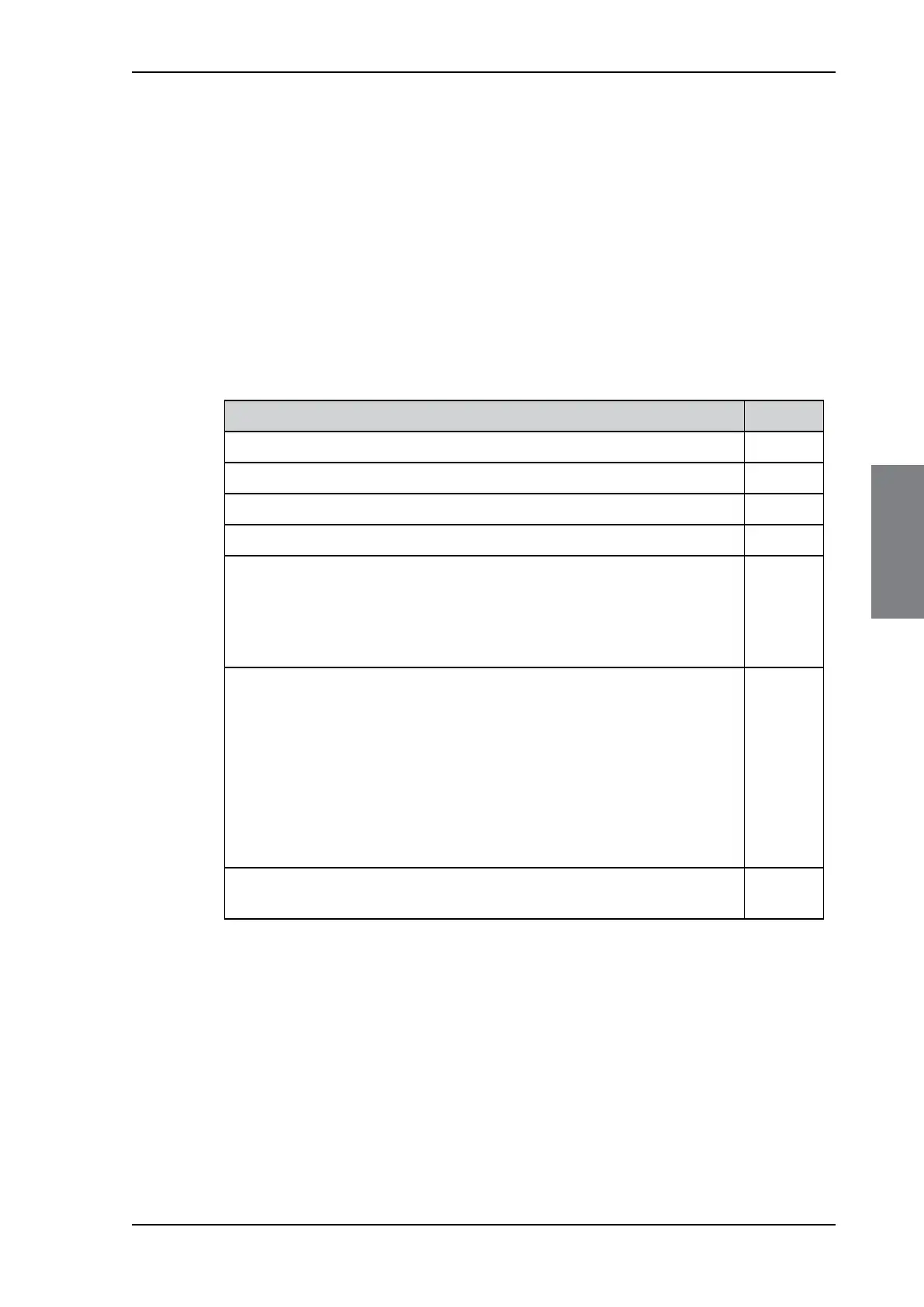
Check the following items:
You are now ready to receive Navtex messages. This of course depends on your current
physical location. Navtex messages are not necessarily received immediately. You can
check coast stations near you for a schedule when Navtex messages are sent.
Item OK
Active Navtex antenna attached
GPS attached (recommended but optional)
INS attached (optional)
Alarm interface attached (optional)
Printer attached (optional)
• Via LAN
• SAILOR 6004 Control Panel – via USB (The SAILOR 6004 Control Panel
acts as a LAN printer server)
Apply power and check the three LEDs on the SAILOR 6390 Navtex Receiver
• Power LED is lit as soon as power is turned on (Note: The device will not
power on if terminal ON IN is left open)
• Test LED is lit after the Navtex receiver has successfully passed the self
test. Flashing indicates a self-test failure. This usually implies bad
antenna connection.
• Rx LED flashes when any of the three Navtex receivers are currently
receiving valid Navtex data
If the SAILOR 6004 Control Panel is attached, check that there are no
warnings in the bottom right corner of the display.
Table 4-8: Verifying the installation



 To Next Page