26
INSTALLATION PROGRAMMING
Installation Setup Mode
The following installation setup options can be set:
1. System Conguration – One Central Heating Zone, Two Central Heating Zones or One Central Heating
Zone plus Hot Water.
2. Heating Mode or Cooling mode for the selected System Conguration.
3. Whether temperature is to be displayed in Centigrade or Fahrenheit.
4. The Time Zone setting, for example GMT, GMT+1 etc.
5. Whether or not Daylight Saving is on.
The default settings that the iT500 comes with are:
• One Central Heating Zone, Heating Mode, temperature in Centigrade, GMT, and DST turned on.)
Entering Installation Setup Mode
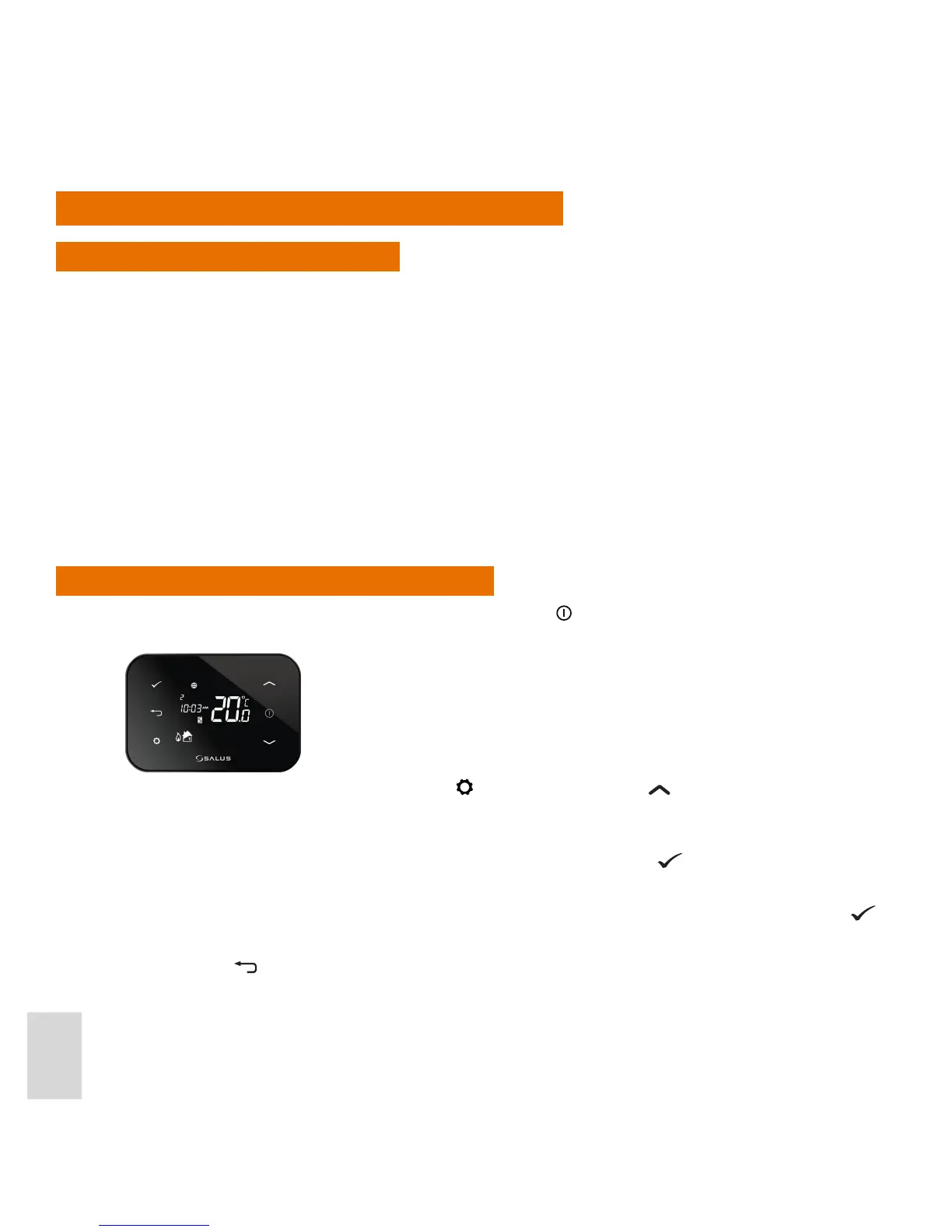
Unless the display is already on, press the Display ON button . The display then switches on with the Home
screen displayed.
Press and hold down both the Settings button
and the Increase button together for two seconds. The
iT500 will then go into Installation Setup mode.
The rst setting to be specied is the system conguration. While in Installation Setup mode, if this or any
other setting is already set the way you want, just press the Conrm button
to accept that setting and go
to the next setup option.
For example, if the system conguration is already set to the required option, press the Conrm button
to
step through to the Heating or Cooling mode selection option.
Press and hold
to exit Installation Setup Mode and return to Normal mode at any time.



 To Next Page