46
Control using the PC or Smartphone App
Common Settings and Indicators
The interface for all three system congurations for both the PC and the Smartphone app includes the
following common settings and indicators:
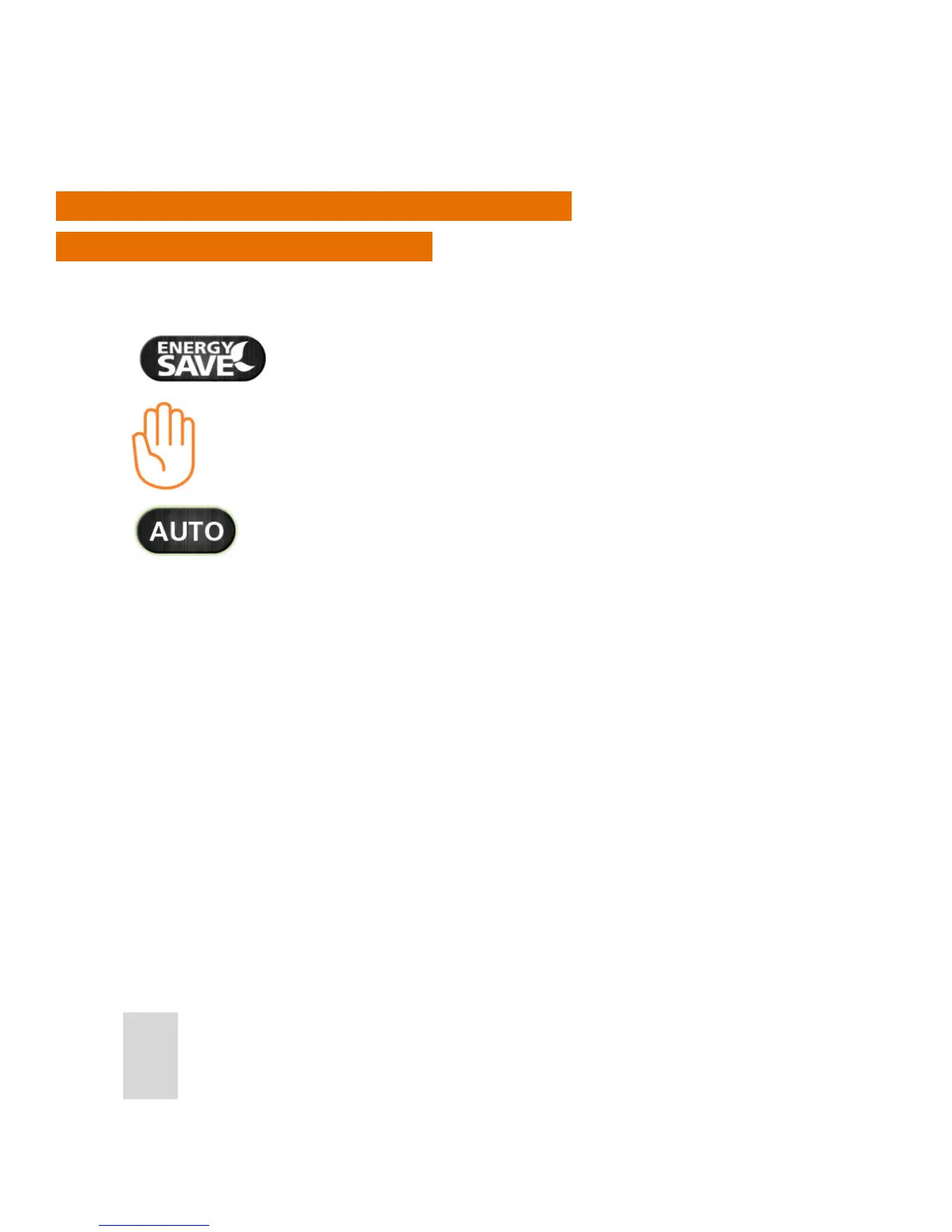
Energy save will use the lowest set temperature on your
daily schedule.
Will be displayed when the current program has been
manually overridden
Press AUTO to cancel the temporary override of program
temperature.



 To Next Page