28
Select Heating or Cooling Mode
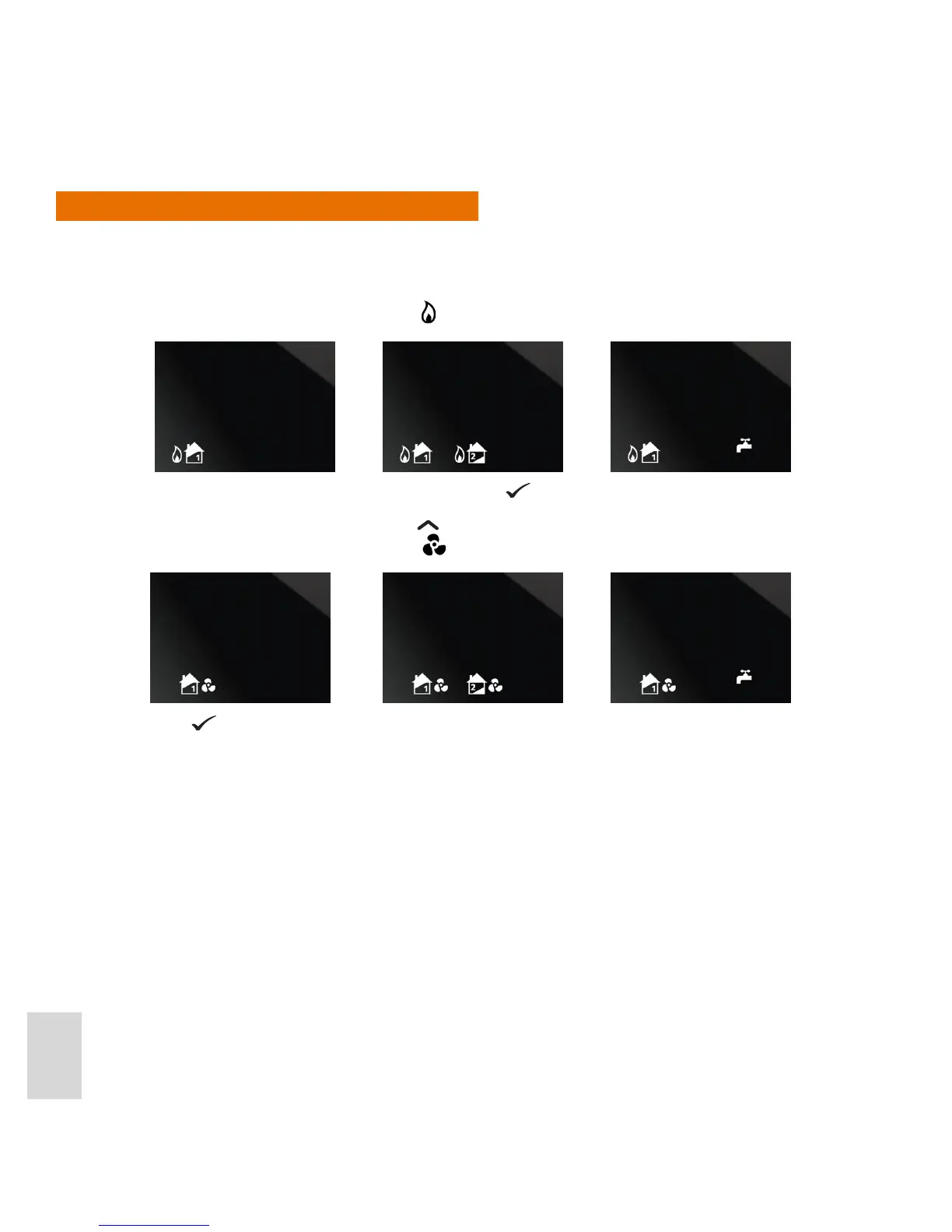
You can now select whether heating or cooling is required for the system conguration you selected
previously.
1. Once a system conguration has been specied, the system conguration icon is displayed again, but this
time with the Heating mode indicator
next to each icon:
This indicates that heating mode is selected. Press
if this is the mode that you require.
2. If Cooling mode is required, press the
button instead. The system conguration icons are then
displayed with the Cooling mode icon
next to them:
Press
to select Cooling mode.
or or
or or



 To Next Page