27
Selecting the System Conguration
The rst step is to select the system conguration, as follows:
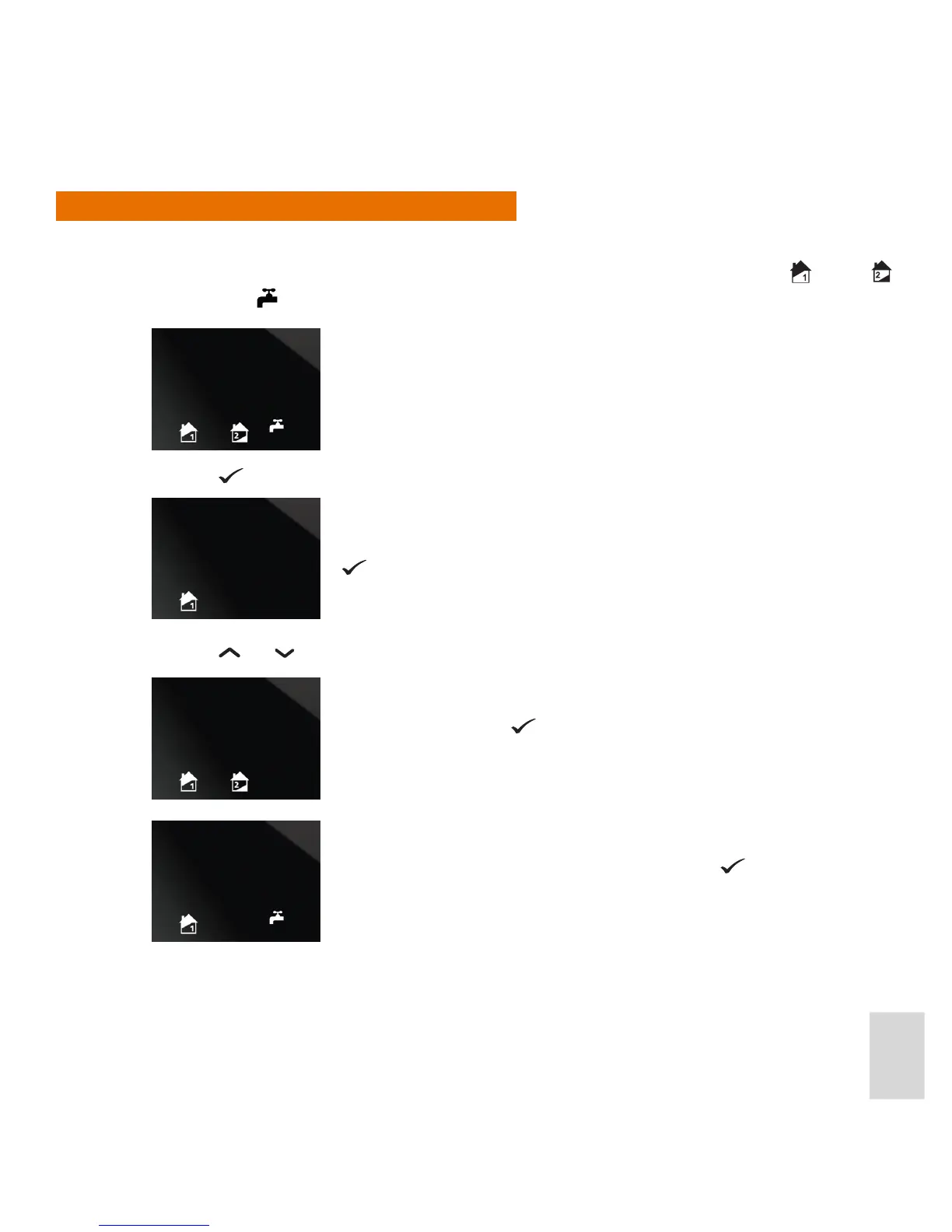
1. When the iT500TX enters Installation Setup mode, the display changes to show the Zone 1
, Zone 2
and Hot Water
icons ashing:
2. Press the
button. The display then changes to show the ashing Zone 1 icon only:
3. Press the
and buttons to cycle through the three dierent system congurations.
Once the required system conguration has been selected, other installation options may be selected, as
described next.
This is the indicator for the single central heating zone system
conguration. If this is the system conguration you want, press the
button again.
This is the indicator for the two central heating zones system
conguration. Press the button to select this system
conguration.
This is the indicator for the single central heating zone plus hot
water system conguration. Press the Conrm button to select
this system conguration.



 To Next Page