51
Local Control using the iT500TR Thermostat
Local control and user programming using the iT500 Thermostat is carried out with the iT500 in Settings
mode. Settings mode is used to:
• Set the time (hour/minutes/day/month/year/DST setting)
Note: When the iT500 is connected to the internet the time and date are set automatically.
• Set program times and setpoints
• Review programs
Entering Settings Mode
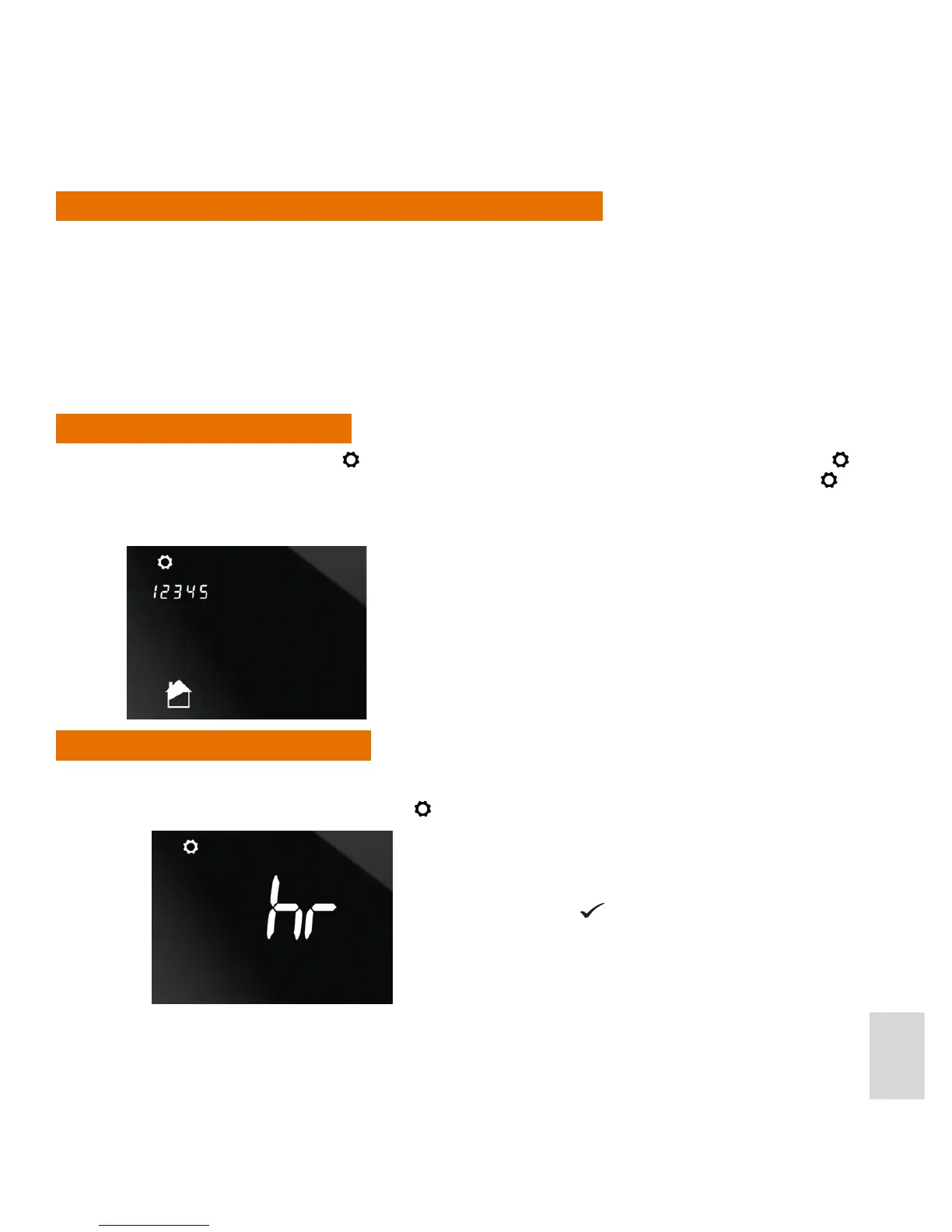
In Normal (Home) mode press for 2 seconds (long press). The unit then enters Settings mode. The icon
is displayed when the unit is in Settings mode. When you rst enter Settings mode, apart from the icon,
only the days of the week and the Zone and Hot Water icons (depending on your System Conguration) are
displayed (ashing). For example:
Setting the Time and Date
Set the time and date as follows:
1. With the unit in Settings mode, press
to enter Clock Setting mode.
Press the Conrm button .



 To Next Page