32
Turning Daylight Saving Time On or O
After the time zone has been selected, you may choose to turn Daylight Saving Time (DST) on or o.
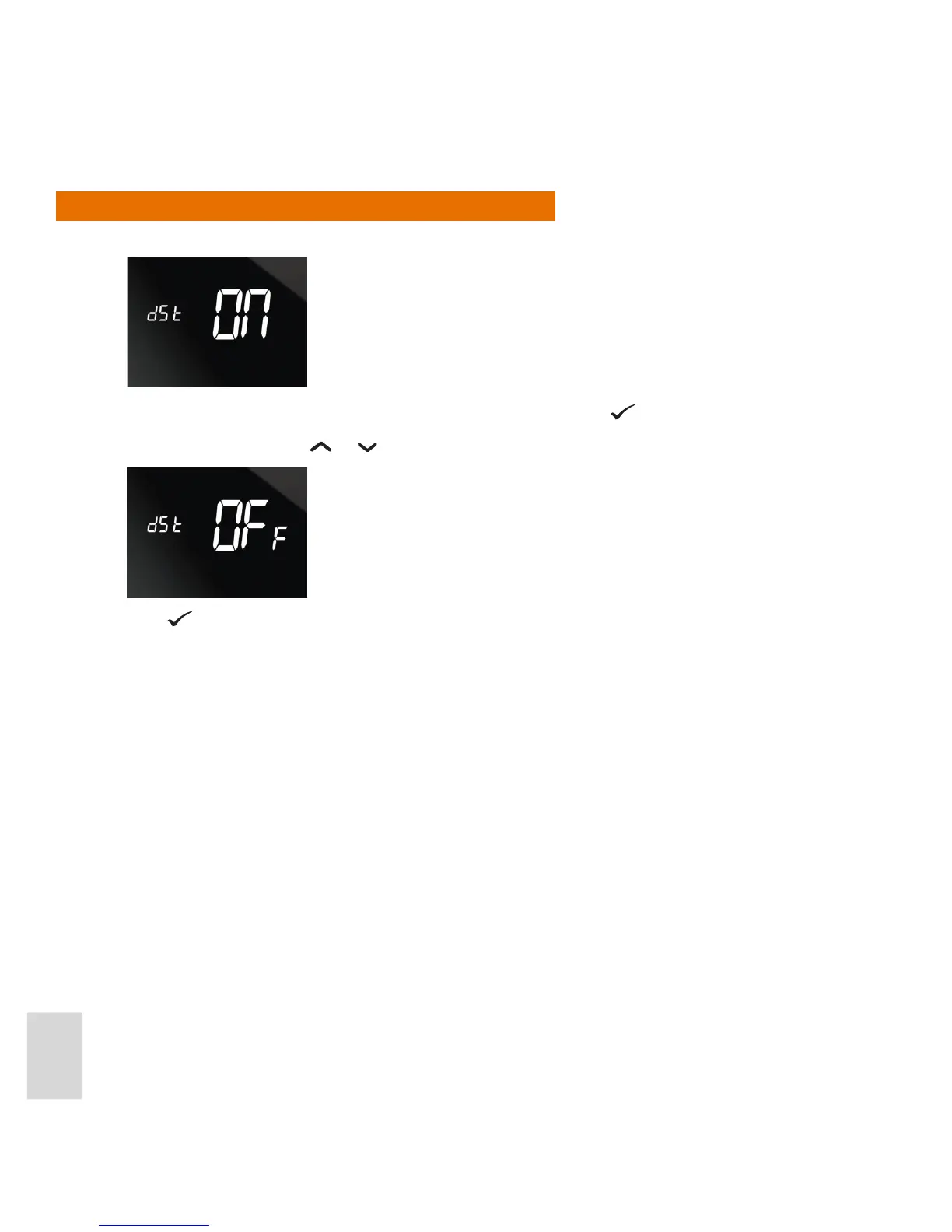
The screen displays the default DST setting (ON):To set DST on, press
.
To turn DST o, press the
or buttons once. The screen then displays as follows:
Press
to set DST o.



 To Next Page