29
Select Temperature Units
After Heating or Cooling mode has been selected, you can select the units that temperatures will be
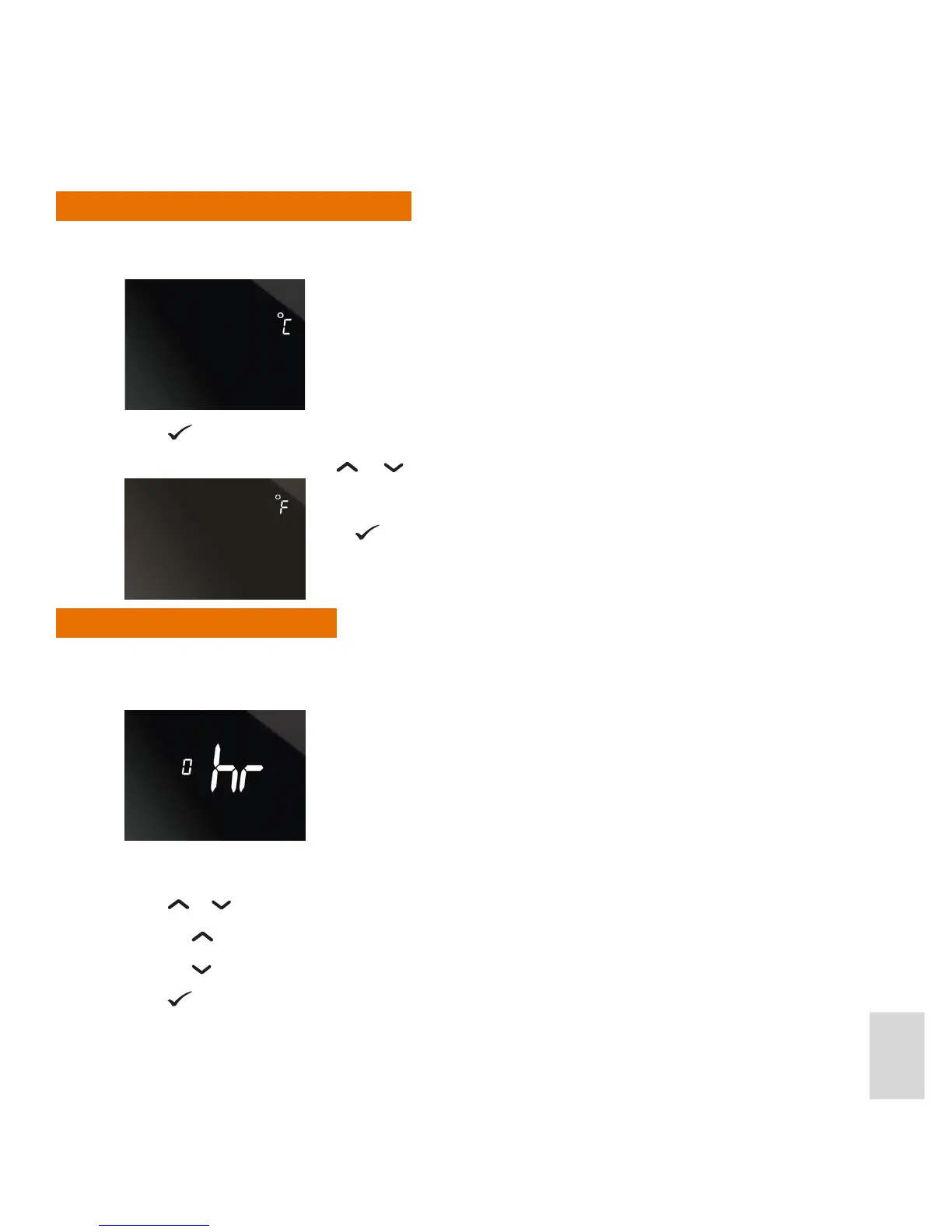
displayed in: (°C) or (°F). The screen displays the Centigrade unit by default:
Press
if Centigrade is your preferred choice.
If you prefer Fahrenheit press
or . The screen then displays the Fahrenheit unit:
Set the Time Zone
After the temperature units have been selected, you can select the appropriate time zone for your location
(see European Time Zones, below).
The display shows the default time zone (0):
Press
or to select the required time zone.
• Press
to select 0, 1, 2, 3, in sequence.
• Press
to select 0, -1
Press
.
Press .



 To Next Page