65
Lock and Unlock the Keypad
To lock the kepypad so that the buttons are disabled, press and together. The icon is then
displayed on the screen:
To unlock the keypad, press the
and buttons together again.
Frost Protection
The Frost Protection function protects your home from damage due to very low temperatures, e.g. frozen
pipes. Frost protection automatically turns on heating for Central Heating when the temperature drops
below the selected setpoint temperature. Frost Protection automatically turns Central heating o when the
measured temperature is higher than the Frost Protection setpoint.
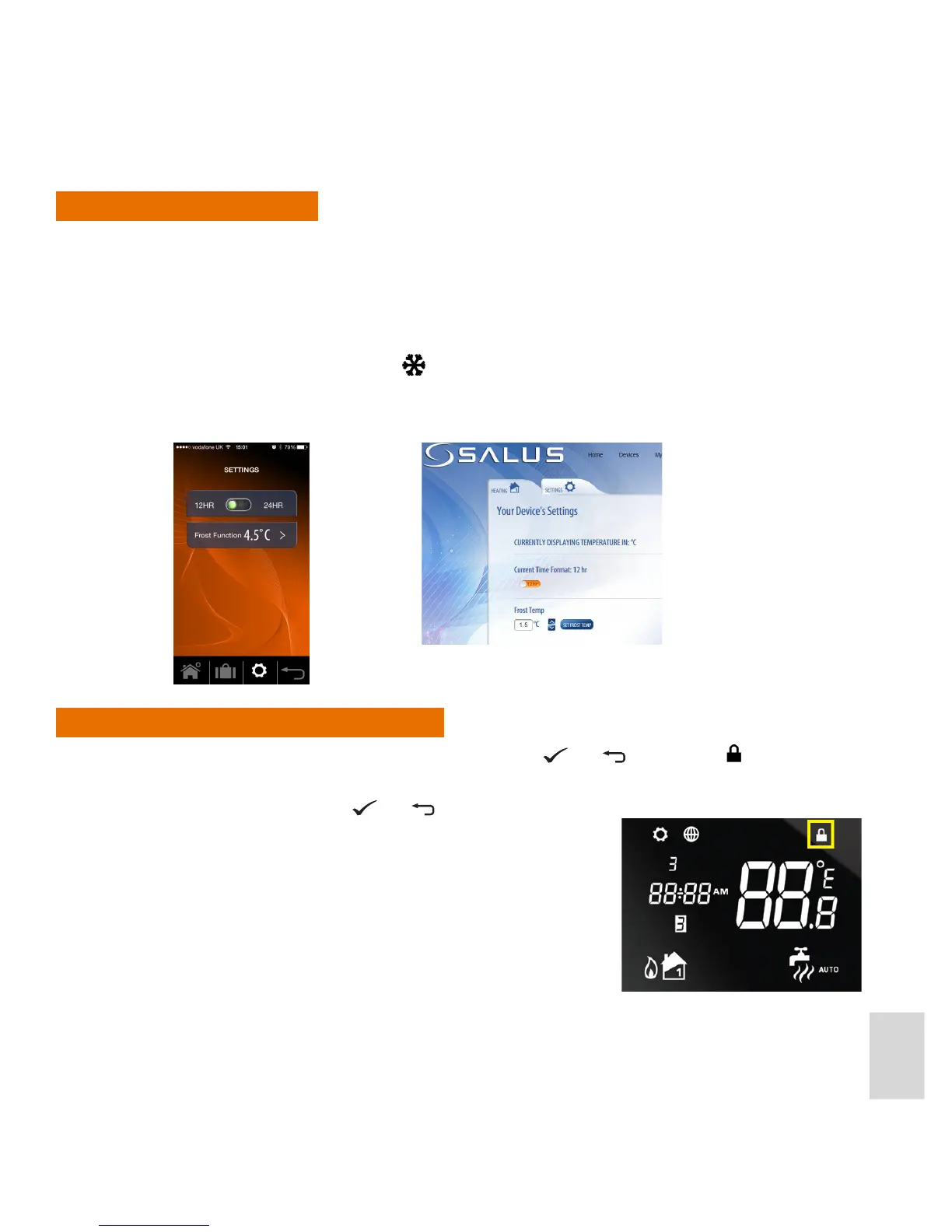
Frost Protection can only be congured and activated using the Smartphone App or via the web app.
When Frost Protection is activated, the
icon is displayed on the iT500 screen
In frost mode, you have a range from 1.5 degrees to 9 degrees to select from using the Smartphone or web
app.



 To Next Page