52
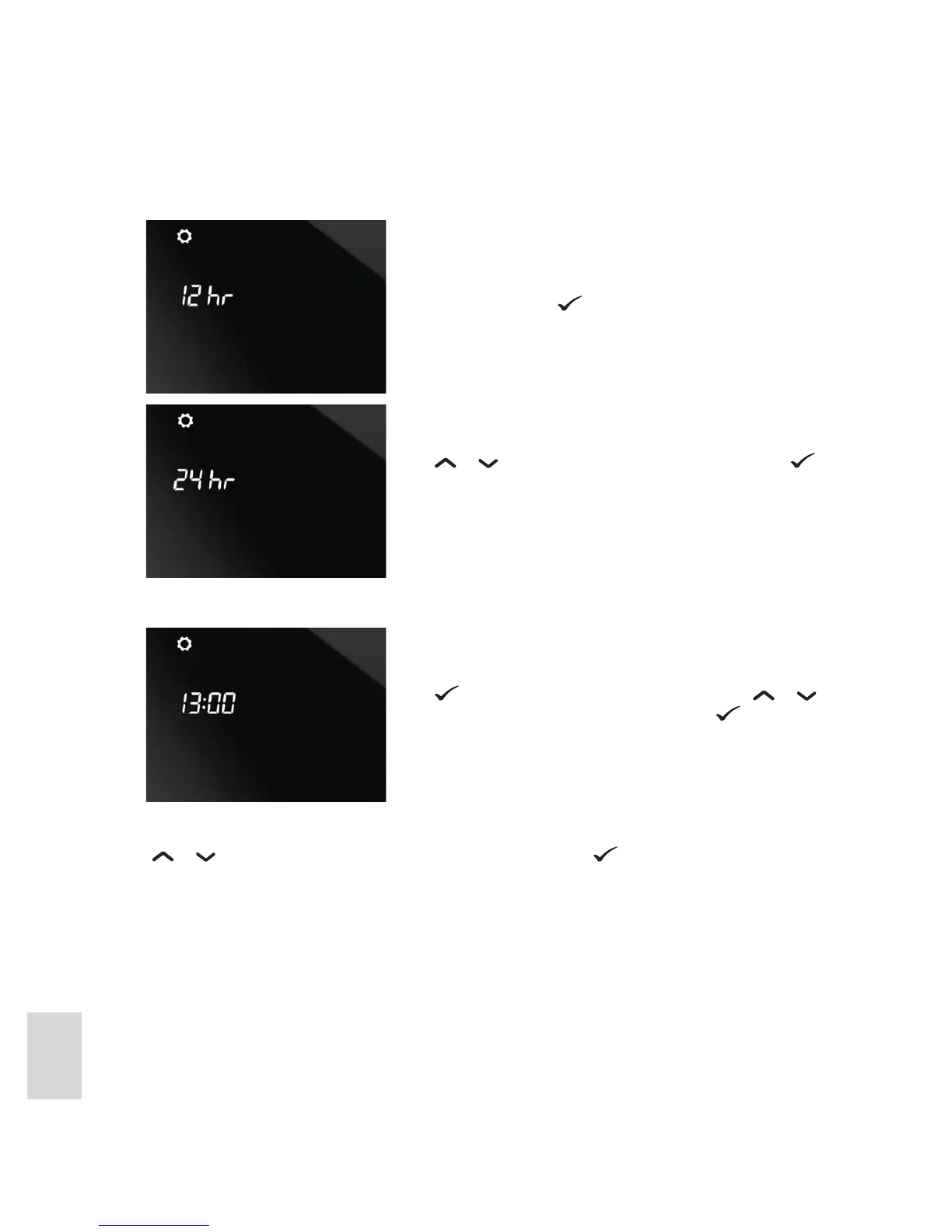
2. Select 12 hour or 24 hour clock.
3. The current time is displayed, with the hours ashing:
4. After the hour has been set and conrmed, the current time is displayed with the minutes ashing. Press
or until the required minute is displayed and then press ..
The display will show the current setting, 12 hr or 24 hr. If this is the
setting you want, press .
Press or to change between 12hr and 24hr. Press to
conrm the selection.
Press to conrm the hour, or to change it press or until
the required hour is displayed and then press .



 To Next Page