53
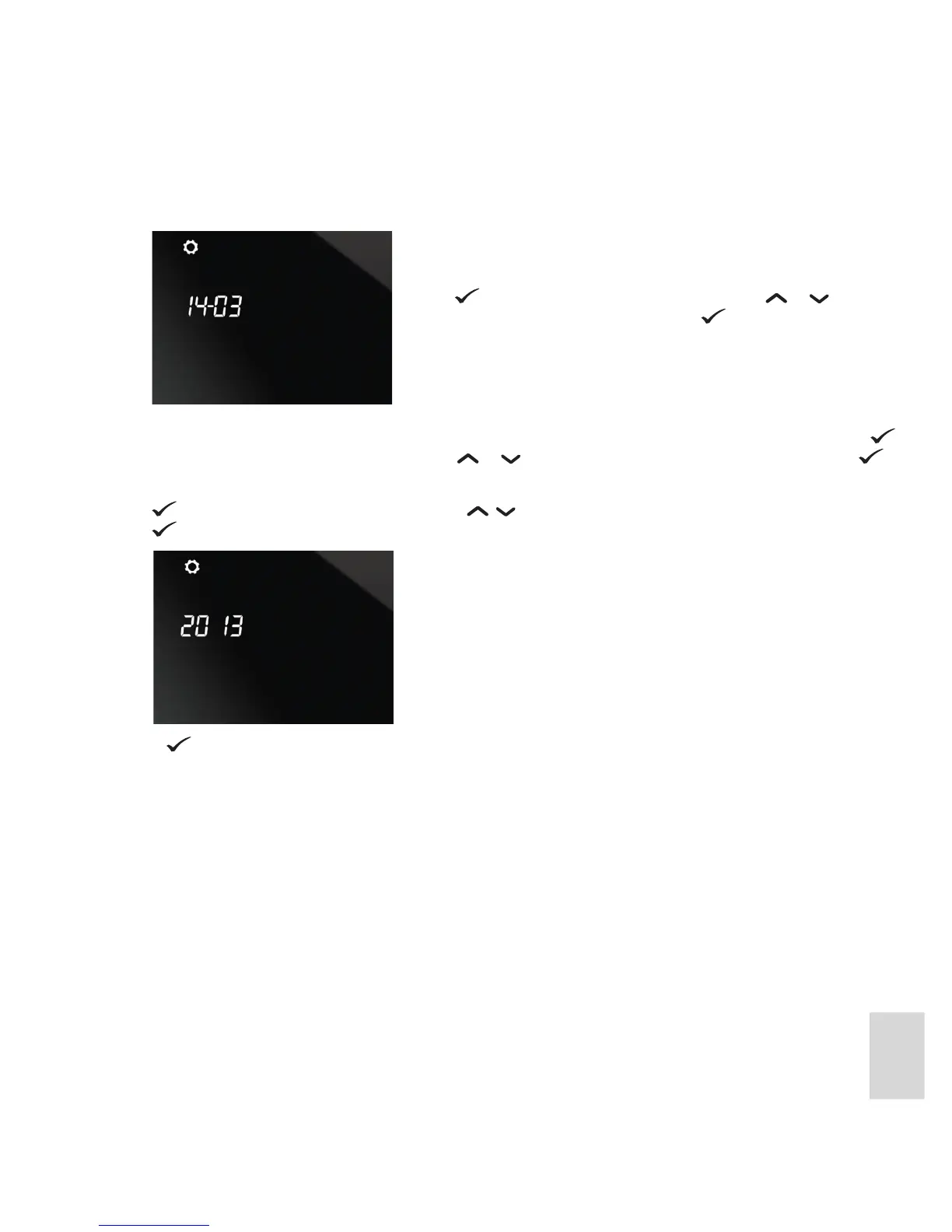
5. The current date is displayed in day / month format. The day of the month will be ashing:
6. After the day has been set and conrmed, the current date is displayed, with the month ashing. Press
to conrm the month, or to change it press or until the required month is displayed and press .
7. After the month has been set and conrmed, the current year is displayed, with the year ashing. Press
to conrm the year, or to change it press until the required year is displayed and then press
.
After
is pressed the unit returns to Normal mode.
Press to conrm the day, or to change it press or until the
required day is displayed and then press .



 To Next Page