54
Setting the Program Schedule for Central Heating Zones
In Settings modes you can specify time periods and a desired temperature for each of the time periods.
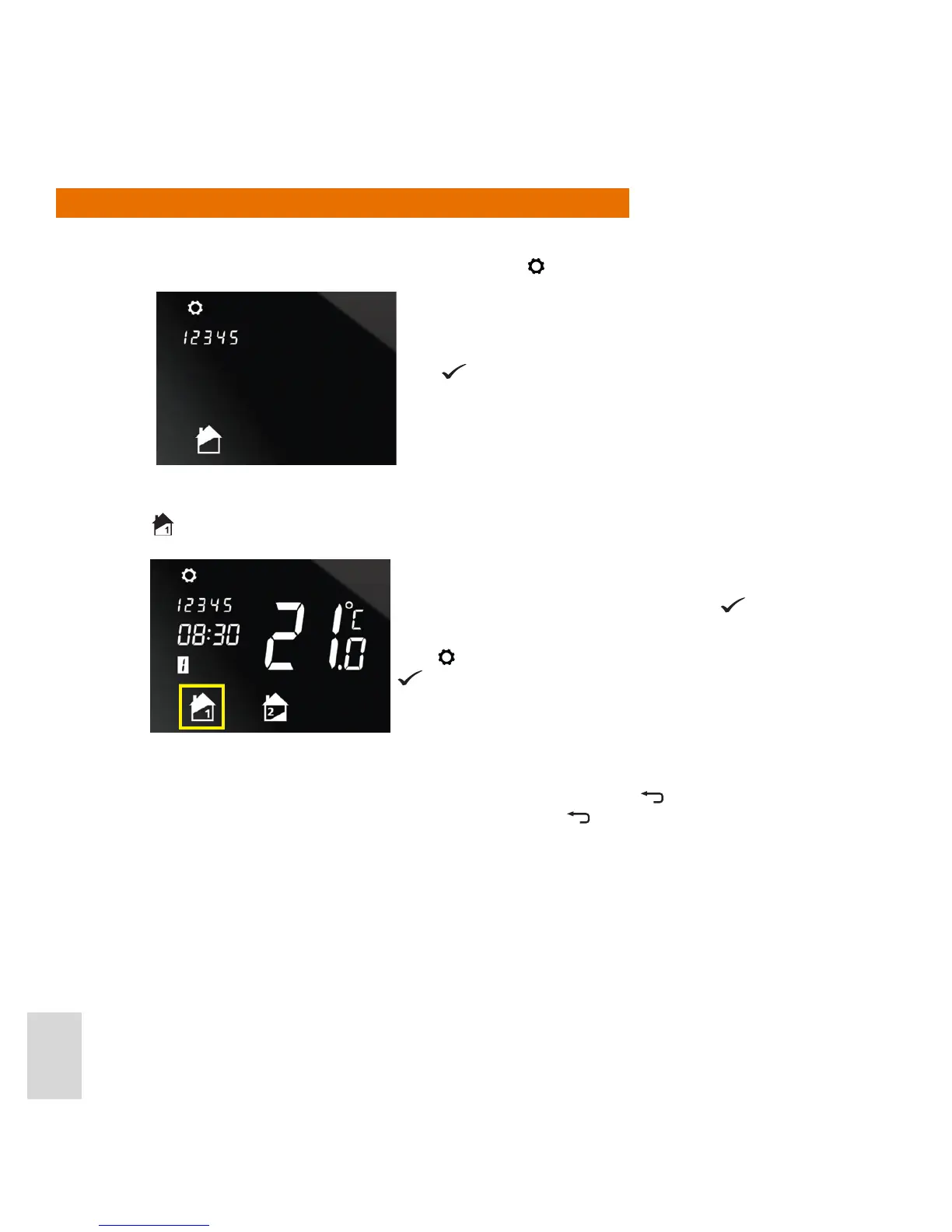
1. From Normal mode, enter Settings mode by pressing
for 2 seconds.
2. If your system conguration is Two Central Heating Zones or One Central Heating Zone plus Hot Water,
you now have to select which of these you want to set the schedule for. On the screen, the Zone 1 icon
will ash.
If your system conguration is One Central Heating Zone then that zone is selected automatically.
Note: To step backwards through the programming procedure press
. To exit the programming
procedure and turn to Normal mode press and hold for 2 seconds.
Press ..
If this the zone you want to program for press ..
If you want to program for the other zone (or for hot water),
press
. The Zone 2 (or hot water) icon will then ash. Press
..



 To Next Page