55
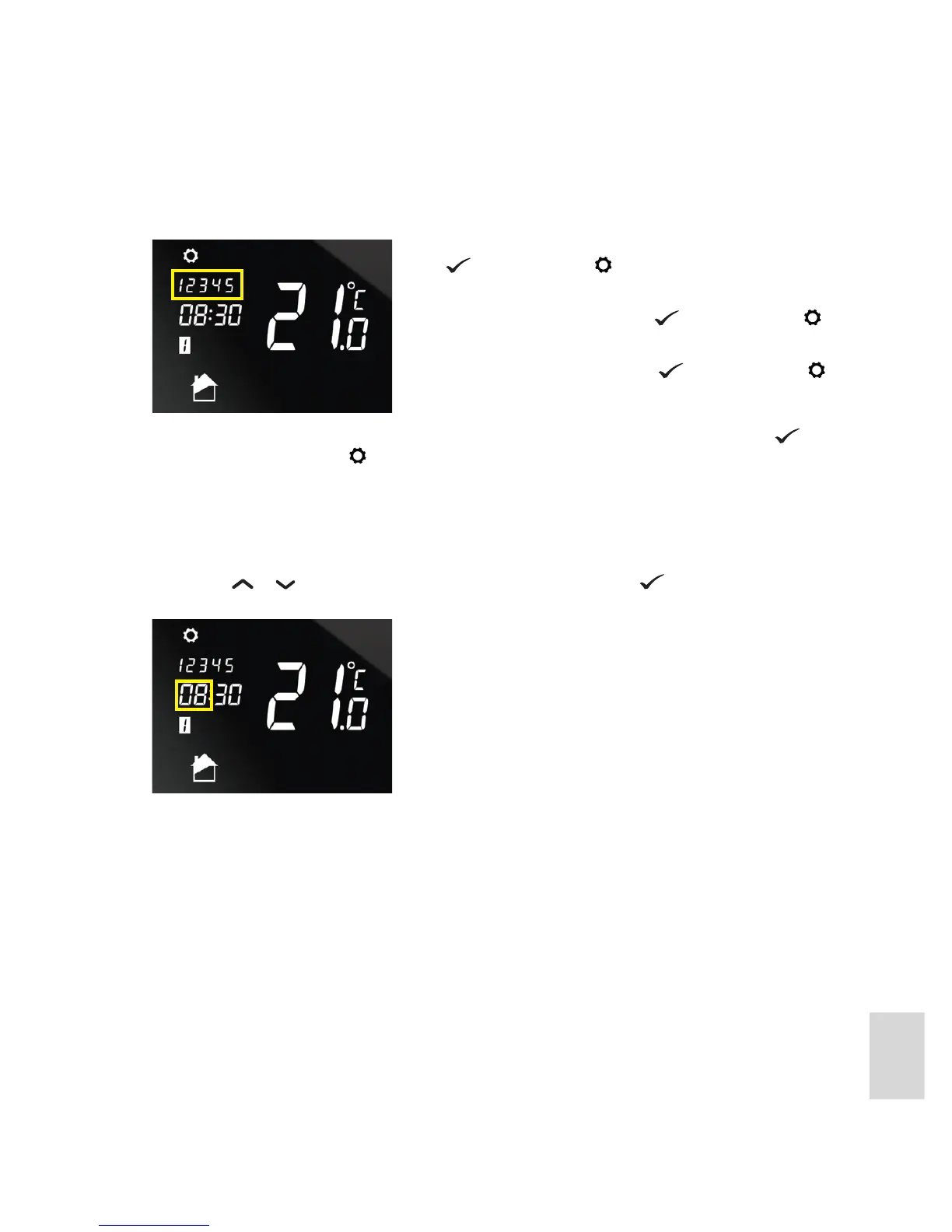
3. Next, you must select either the day or group of days that the programs are to be applied to. The days of
the week on the display will ash, initial the weekdays.
The individual days of the week will then be displayed ashing, one after the other. Press
to set up
programs for a day, or press to go to the next day.
After you have selected which days or day to set up a program schedule for, you ready to set up program 1.
The program you are currently setting up is indicated by the number shown in the displayed under the time -
for example see the number 1 with the white background in the screen example above.
4. The rst stage in setting up a program is to specify the start time. The hour setting on the display will
ash. Press
or to increase or decrease the hour setting or press to accept the current setting
and move on to minute setting.
If you want to set up programs for the weekdays group of days,
press . Otherwise press .
The weekend day numbers will then be displayed ashing
instead. To program for these press
., otherwise press .
The day numbers for the entire week will then be displayed
ashing, To program for these press
., otherwise press .



 To Next Page