67
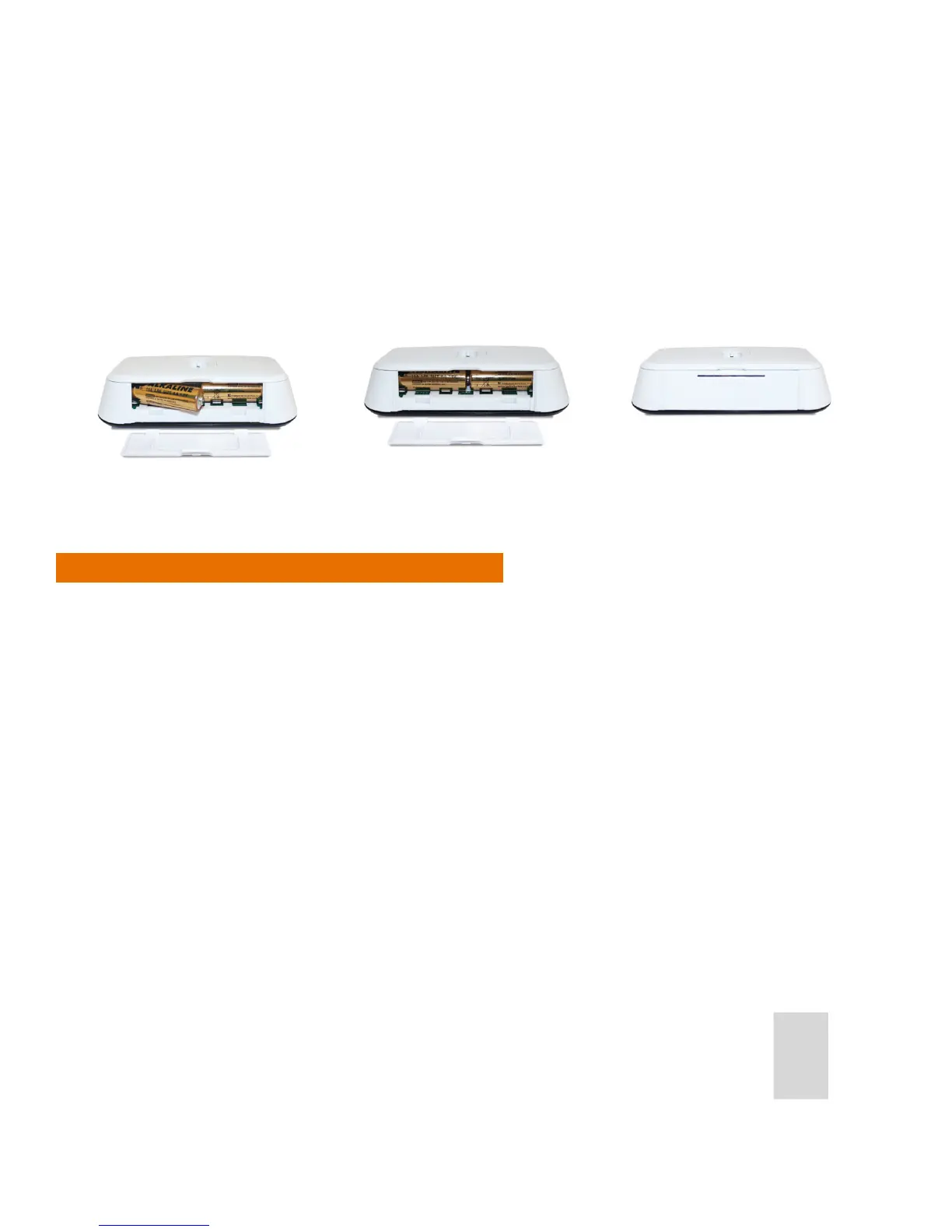
3. Insert the second battery supplied into the left hand side of the base of the iT500 Thermostat.
4. Ensure the batteries are tted securely in the base of the iT500 Thermostat.
5. Replace the battery cover to the base of the iT500 Thermostat.
Note: The serial number of the iT500 Thermostat is on a label in the back of the battery compartment.
Resetting the iT500TR Thermostat
To return your iT500 Thermostat to its factory settings insert a paper clip, or similar blunt object, into the hole
at the bottom of the stand socket on the back of the unit, for XX seconds.
<XX - HOW LONG? HAS BEEN TRIED FOR 30 SECONDS - DOES NOT REVERT TO DEFAULT>
Note: If the stand is attached this must be removed to access the reset hole.



 To Next Page