EasyManua.ls Logo

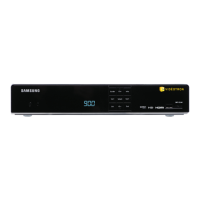
Samsung 8340 - YOUR REMOTE CONTROL

Samsung 8340
51 pages
Print Icon
To Next Page IconTo Next Page
To Previous Page IconTo Previous Page
Loading...
12
For further information, visit videotron.com/terminal-support.
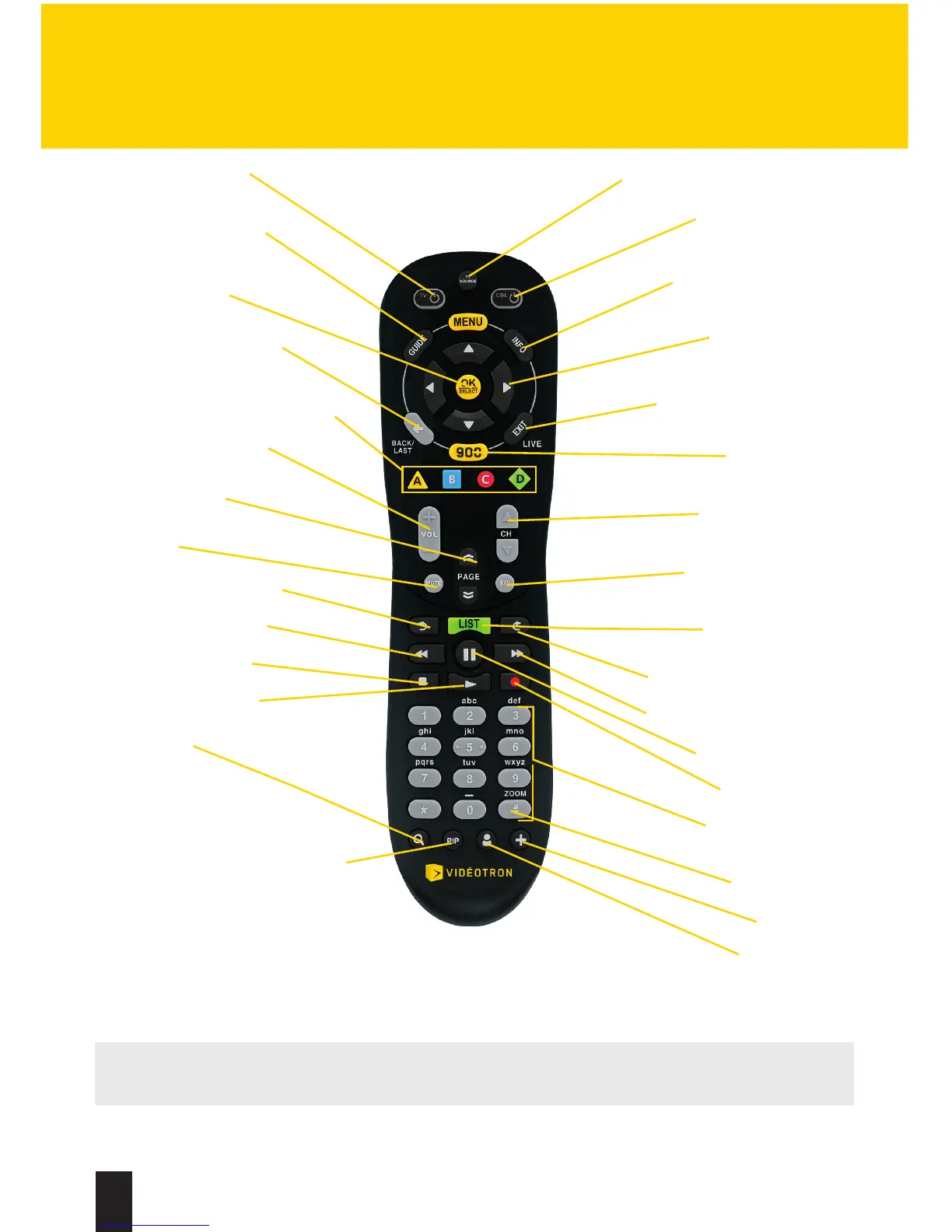
YOUR REMOTE CONTROL
Turn on your TV
Display the Interactive
Program Guide
Make a selection
on-screen
Return to screen or
to previous channel
Choice of on-screen options
Adjust the volume
Change page
(up/down)
Mute
Skip back (PVR, IOD)
Rewind (PVR, IOD)
Stop (PVR, IOD)
Play (PVR, IOD)
Search
Activate/disable function
Go to Picture-in-Picture
(PiP) mode — PVR
Select your TV’s video input
Turn on/turn off
your terminal
Get information on the
channel or IOD
Browse menus
on-screen
Close interactive screens
or return to live TV
Access illico
On Demand
Change channel
(up/down)
Switch to your
favourite channels
List of recorded
shows (PVR)
Skip forward (PVR, IOD)
Fast-forward (PVR, IOD)
Pause (PVR, IOD)
Record (PVR)
Enter a channel
or your PIN
Zoom in/out
Widgets
Unavailable
function
LEGEND:
PVR: HD PVR
IOD: illico On Demand

Related product manuals