40
For further information, visit videotron.com/terminal-support.
AppLICATIoN pREfERENCES
Configure your Application Preferences (i.e. TV Caller ID, Program Guide, illico On Demand,
Programming Guide, Shortcut Menu, etc.).
Accessing the Application Preferences:
1. Press to go to the main menu.
2. Use to select Settings.
3. Use to select Application Preferences.
You can then browse through the menu and modify the following applications:
• Caller ID: Allows you to see the number of the person calling you, on your TV screen. You
must be subscribed to Videotron’s Call Display service.
• Program Guide and TV: To modify which channel comes on automatically when you turn on
your TV, manage your favourite channels, set your display preferences for the Program
Guide or set the viewing mode.
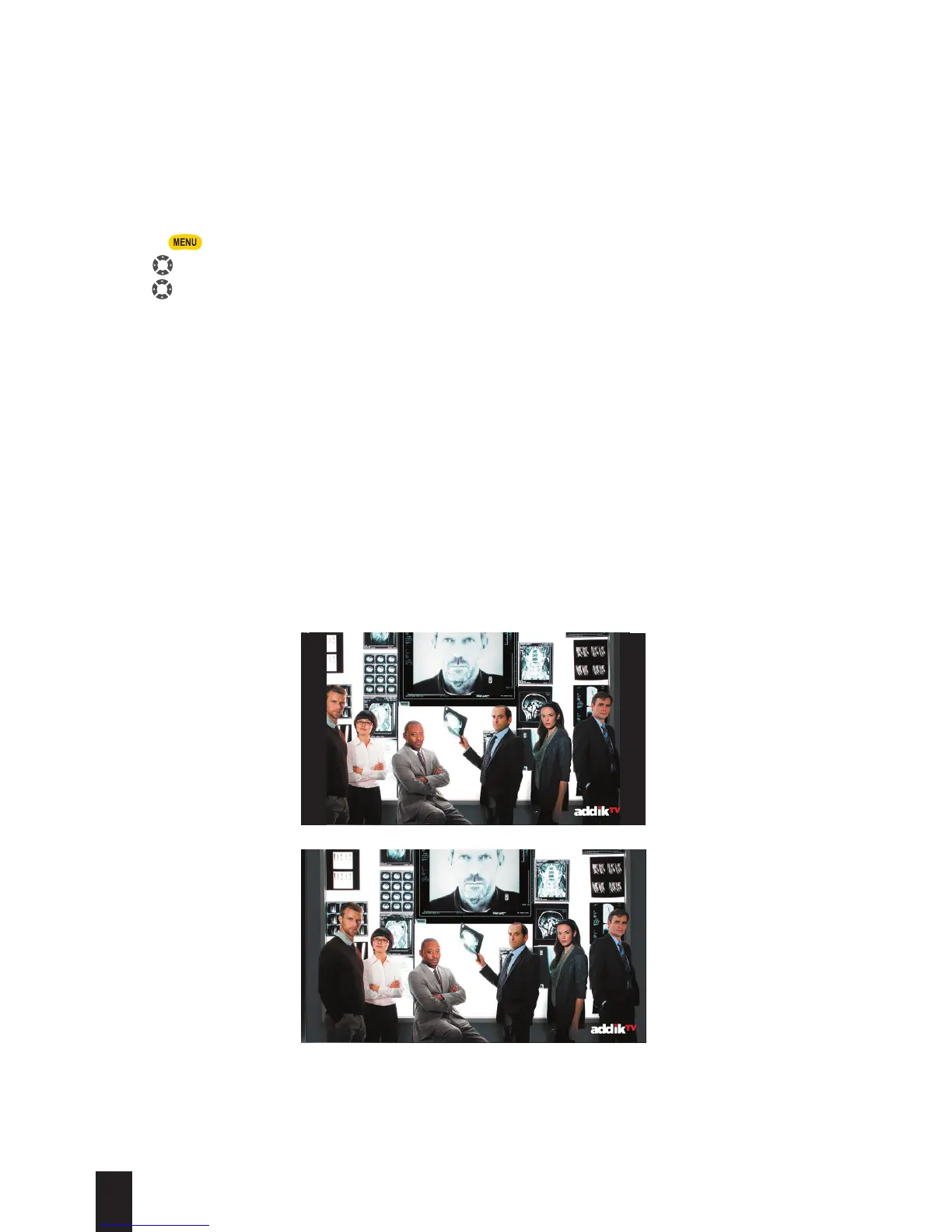
• Viewing Mode: The terminal allows users to change the viewing mode according to their
preferences. An HD TV features a wide screen with a 16:9 aspect ratio, that can display HD
content. When an HD TV displays SD content, it’s normal that black bars border the left and
right sides of the screen.
The viewing modes (Normal, Full or Zoom) allow you to display the content you’re watching in
proportion to your screen.
4:3
16:9


 To Next Page